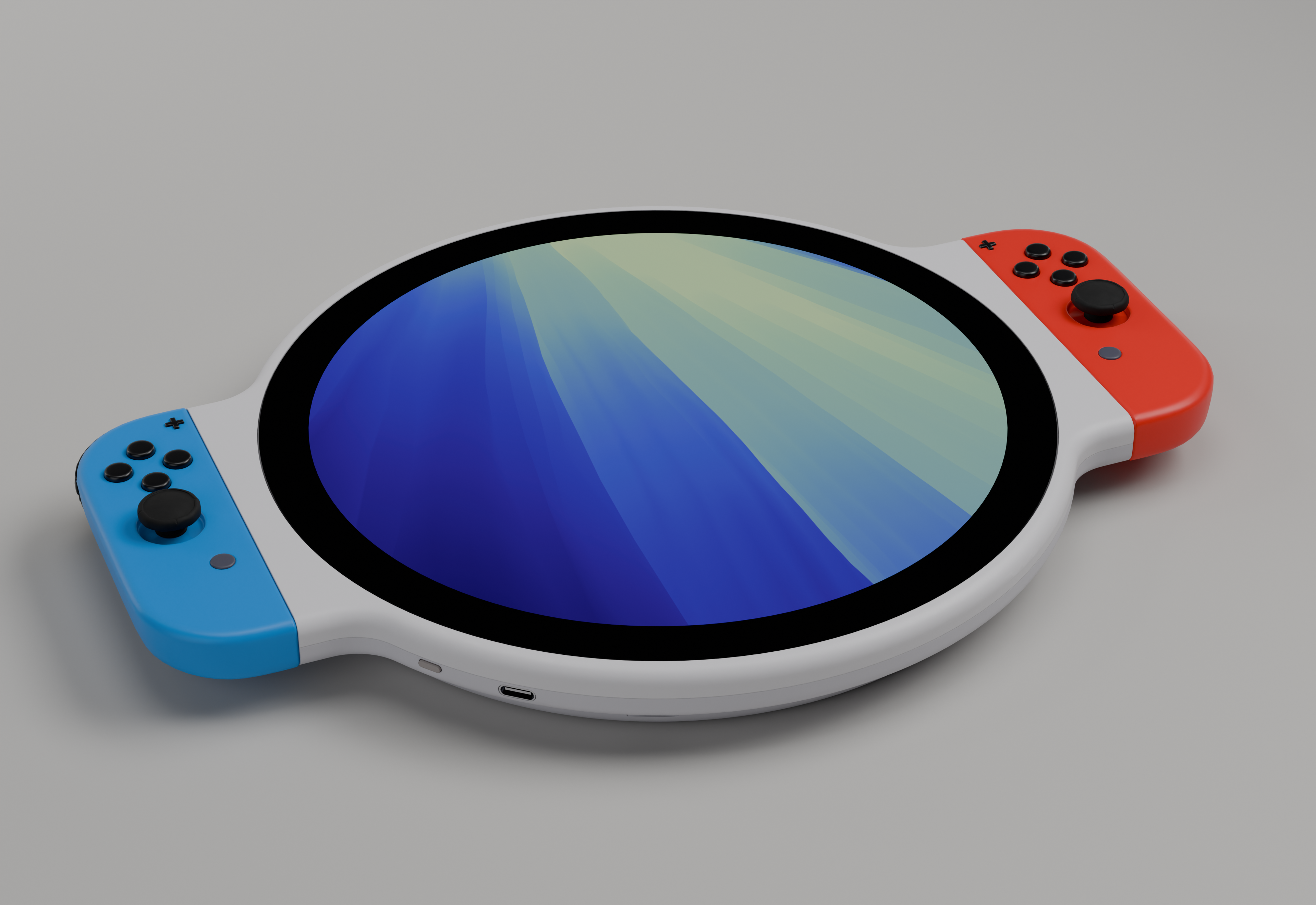
It came to me in a dream. Or at least there’s really no preamble here that will make this make sense. I started messing around with FreeCAD and came up with this, and I think I could build it out. All of these components are cheap and available on Amazon. So it’s pretty feasible to build this thing out. You obviously can’t play switch games on it, not just because of the round screen, but because getting the main PCB for a switch out of that housing and into this housing would be a huge amount of work in way more work than I wanted to do.
The Housing
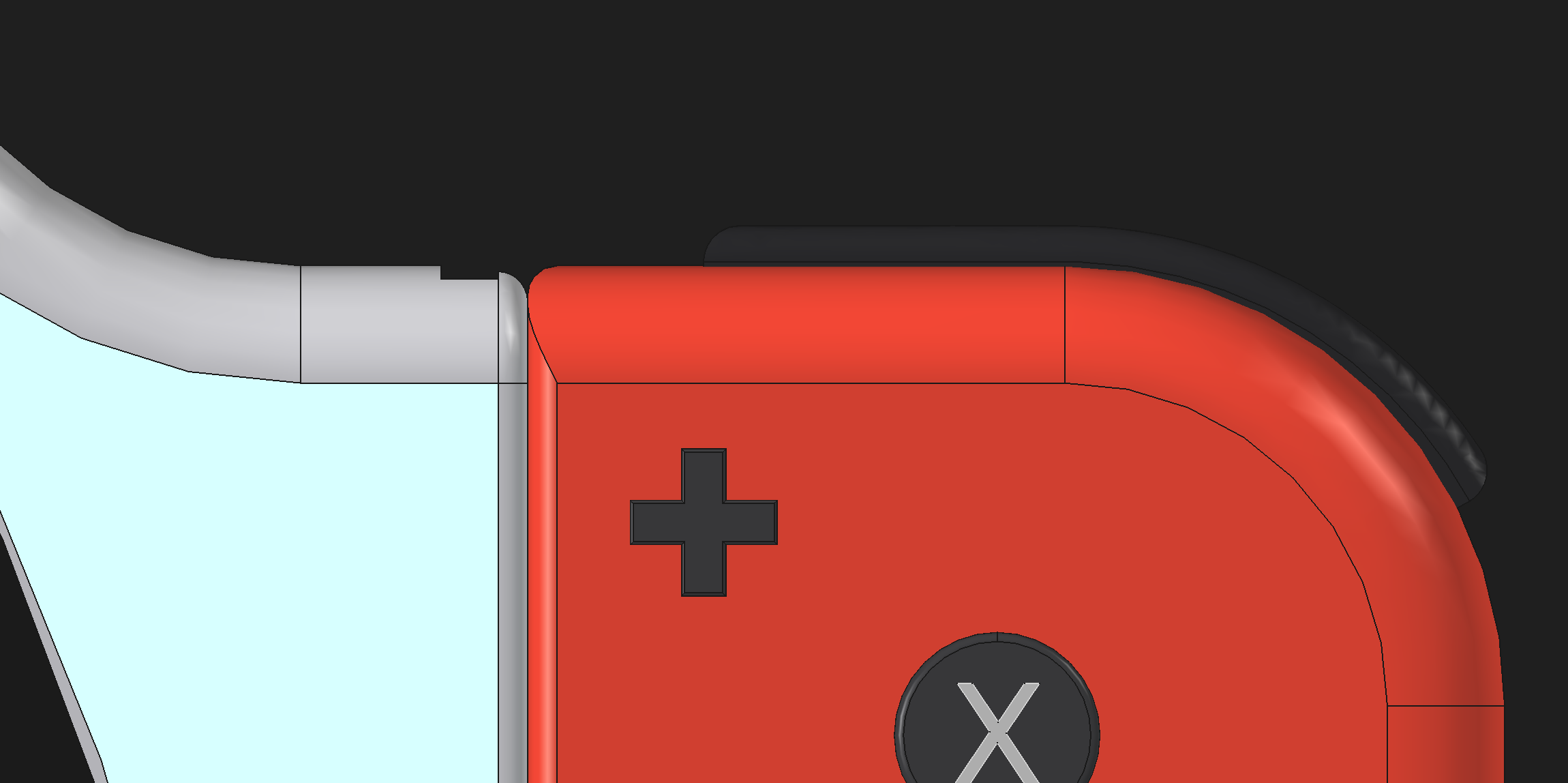
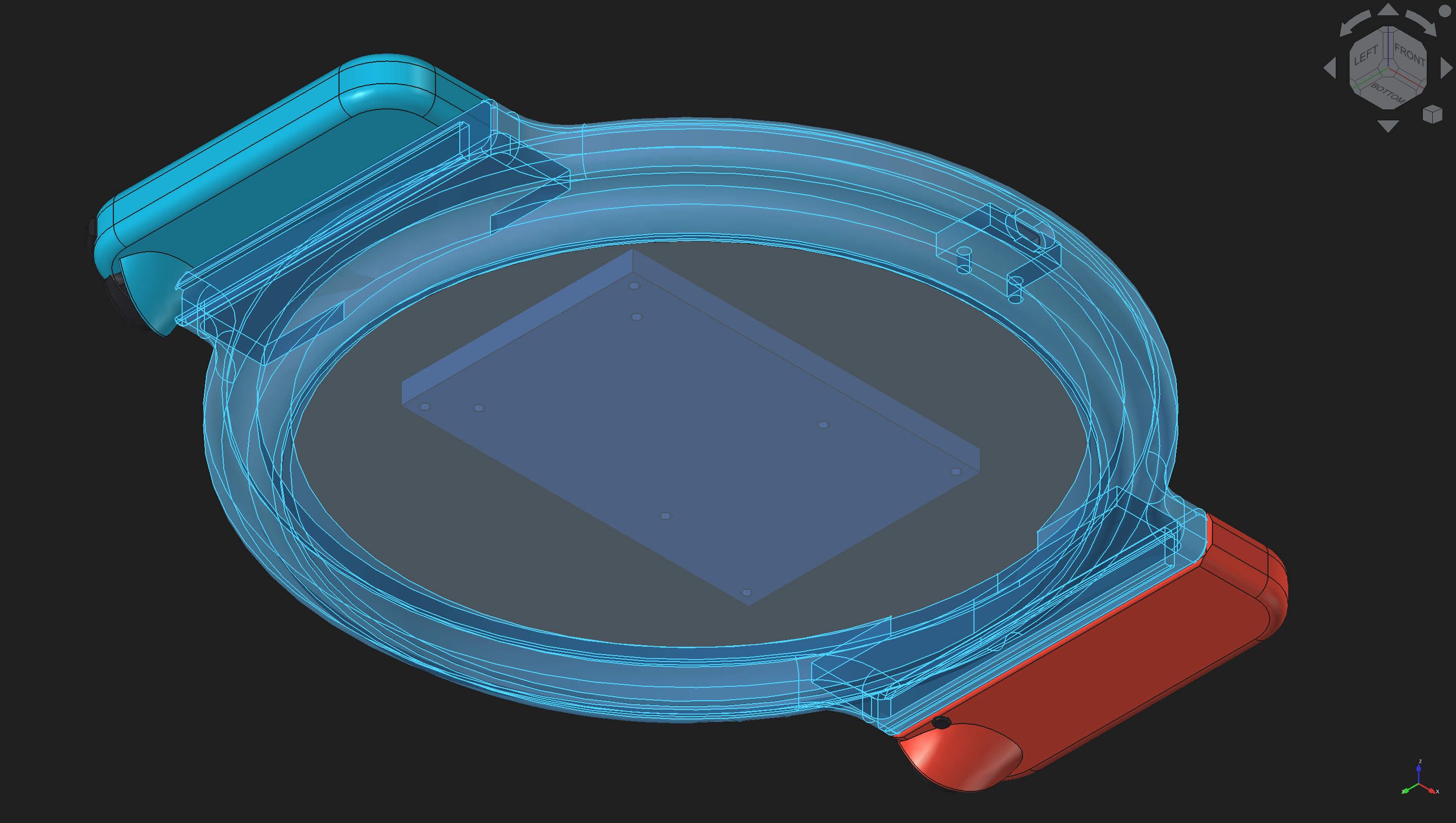
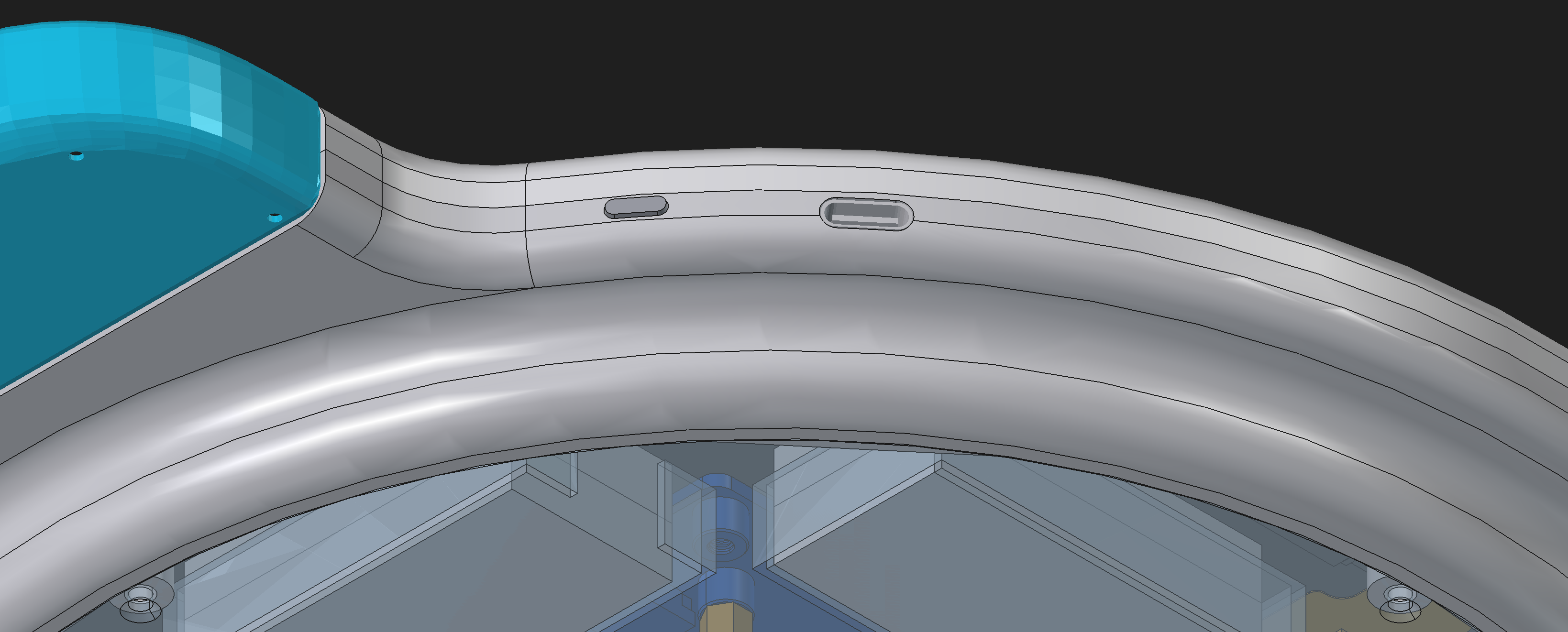
You can actually find pretty good models of the JoyCons online. So using their dimensions to create a boxy housing by hand was fairly easy.
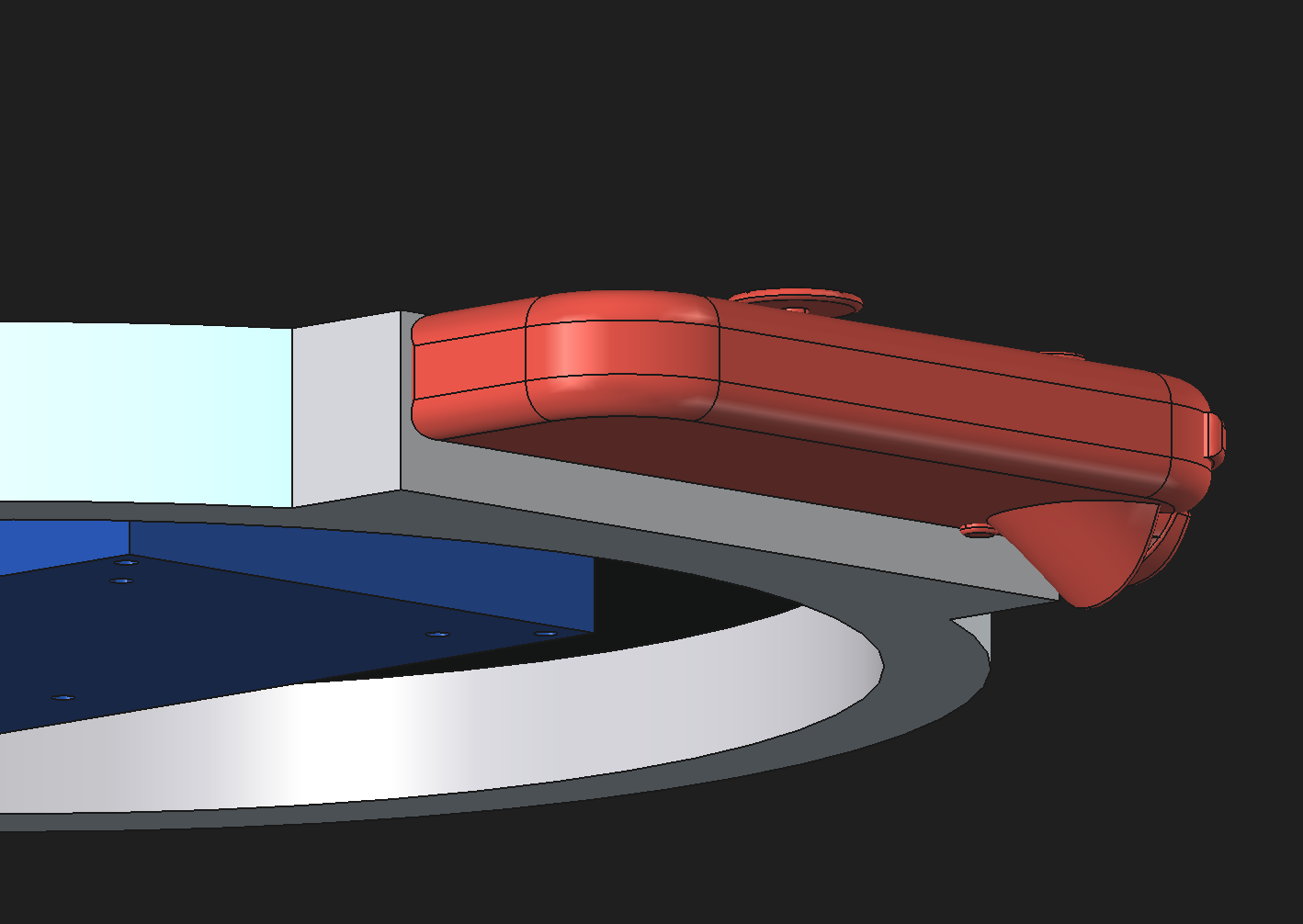
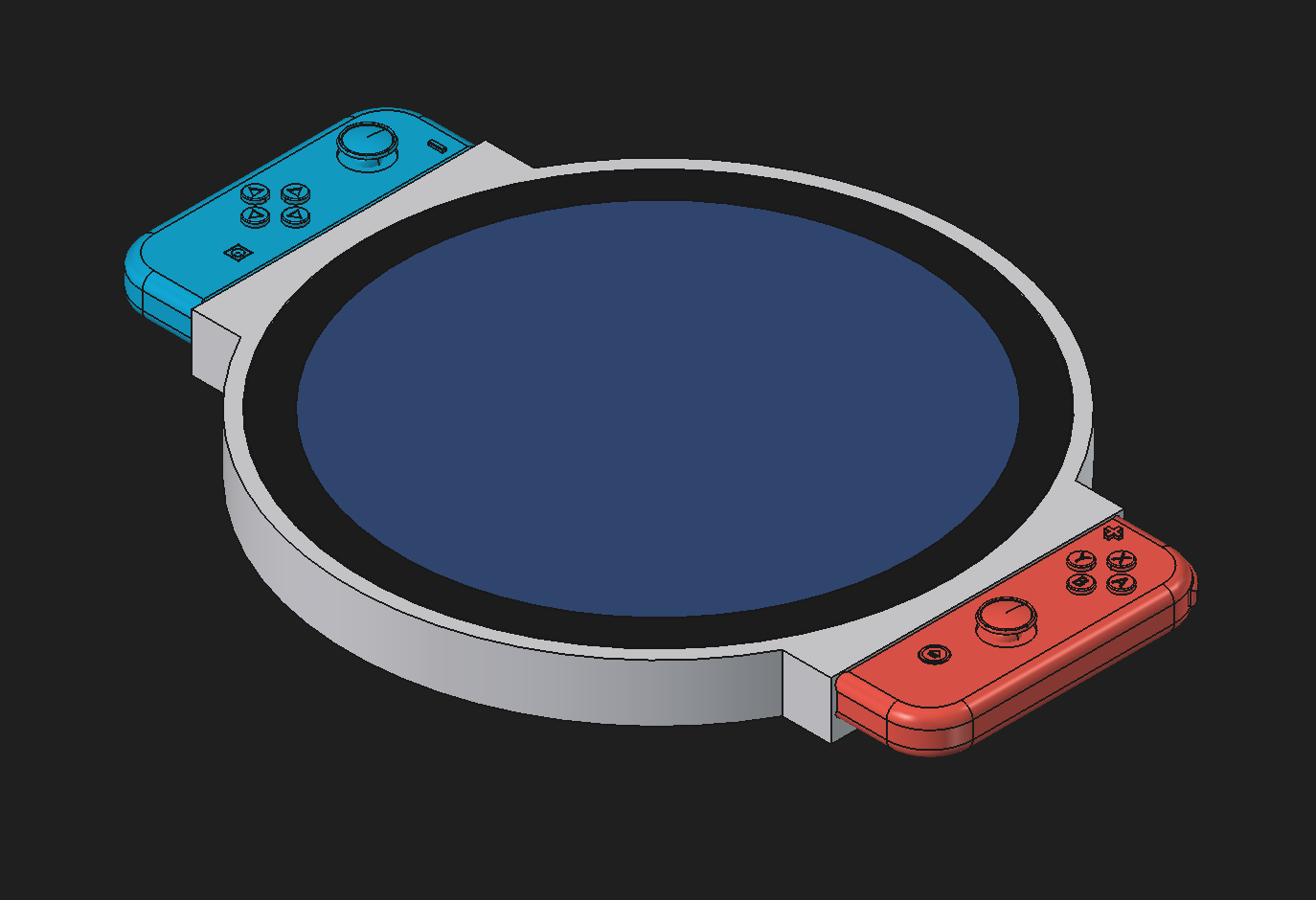
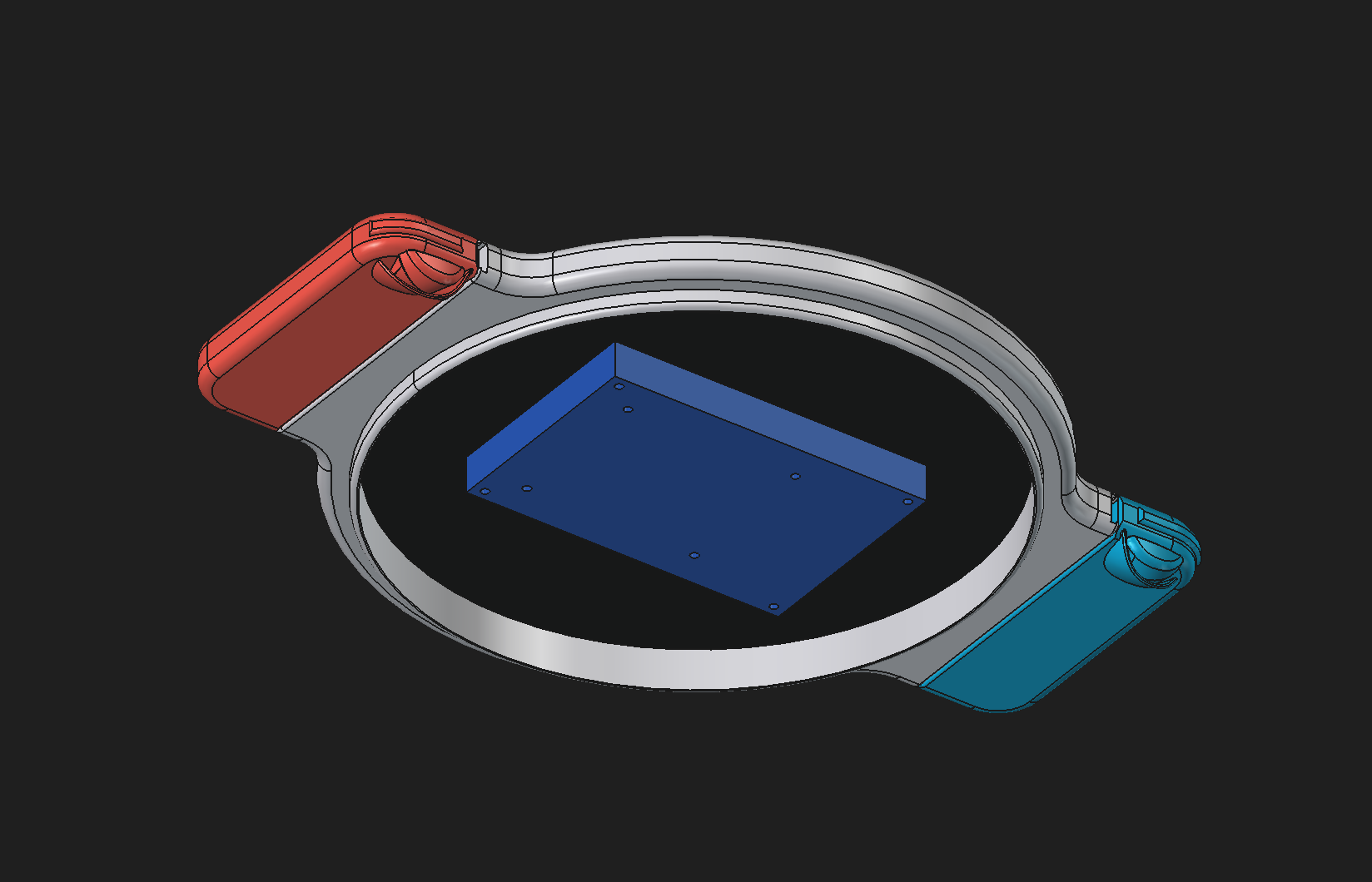
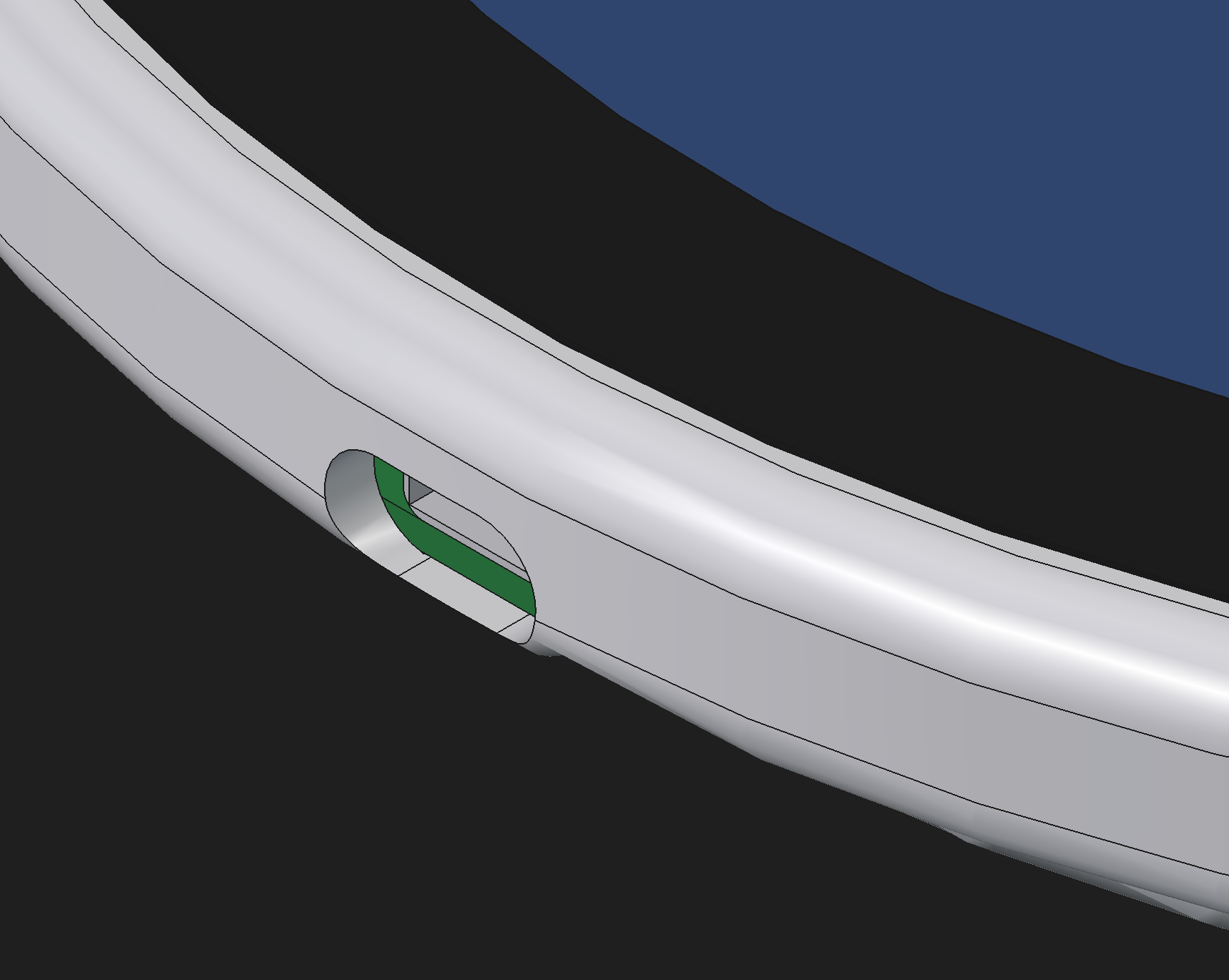
Getting the housing smooth and rounded, but still flush with the JoyCons is harder.
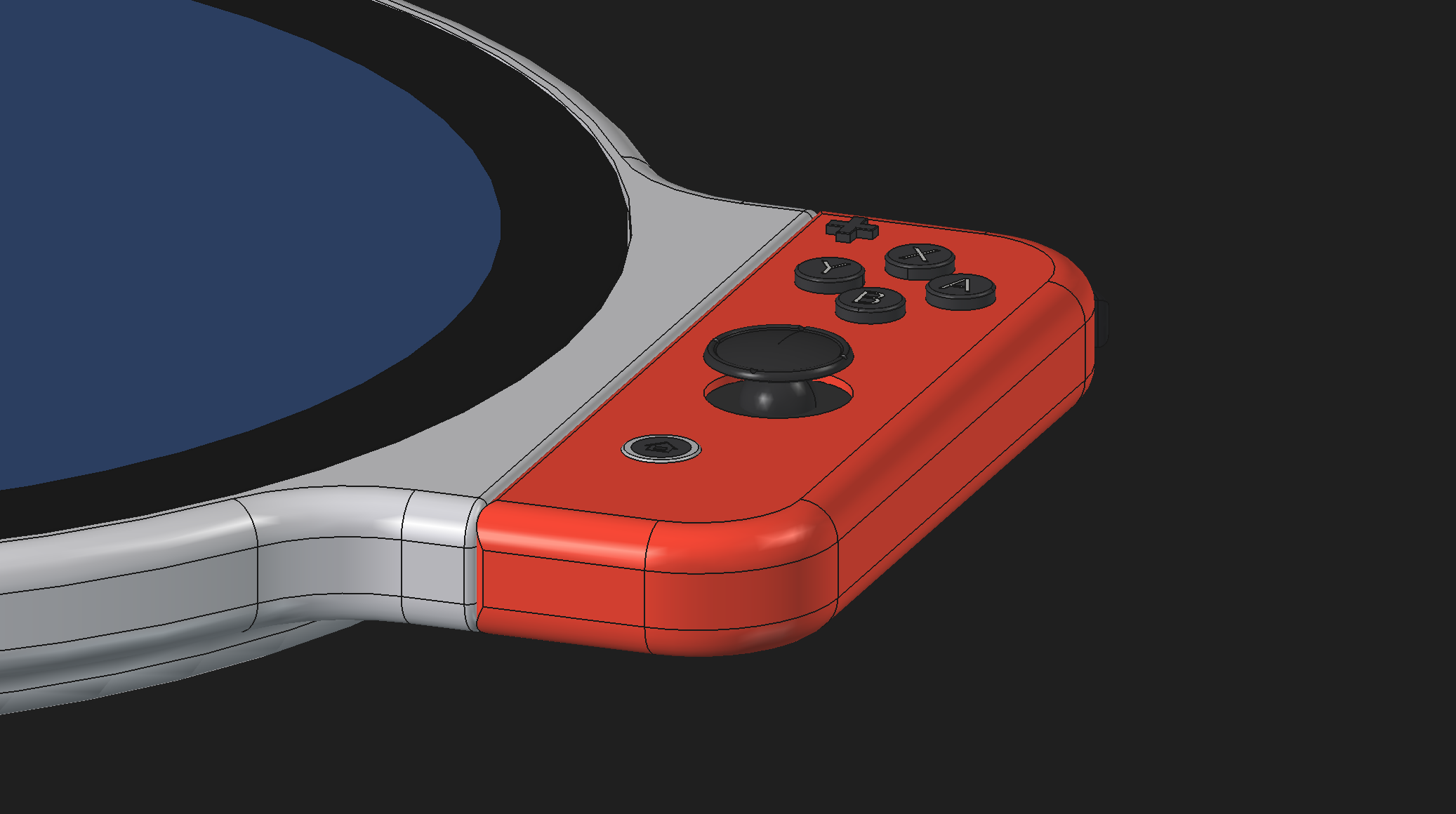
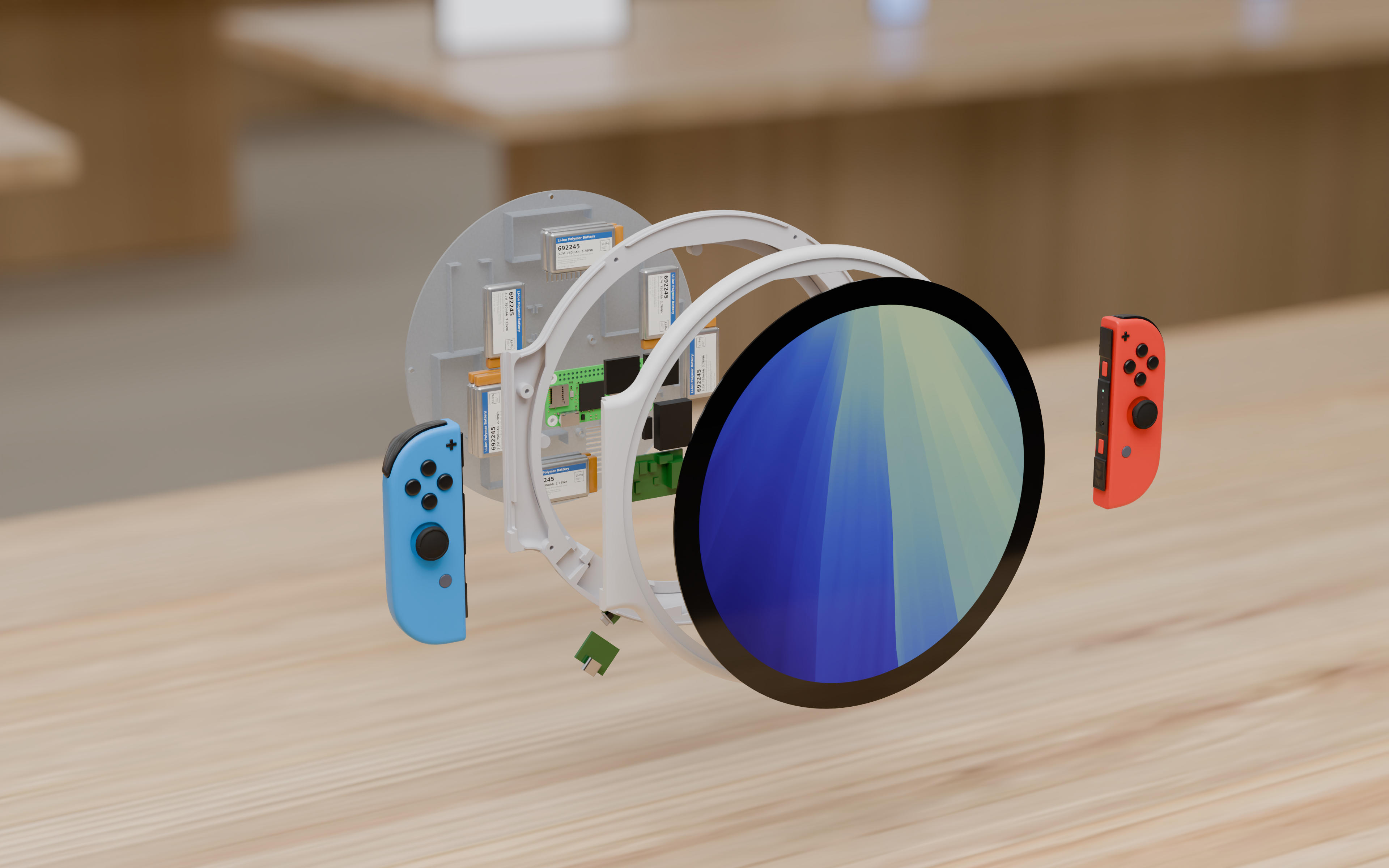
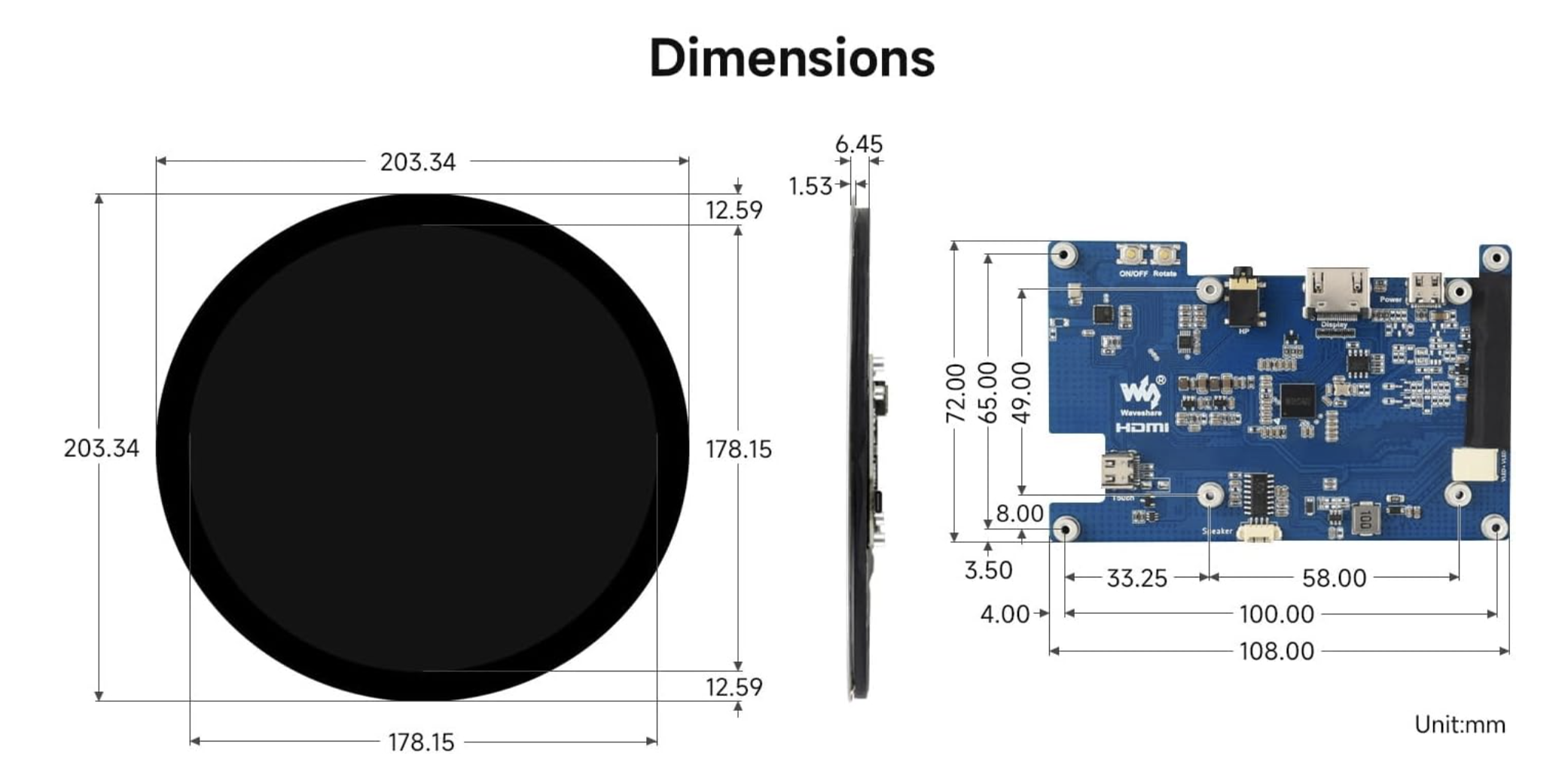
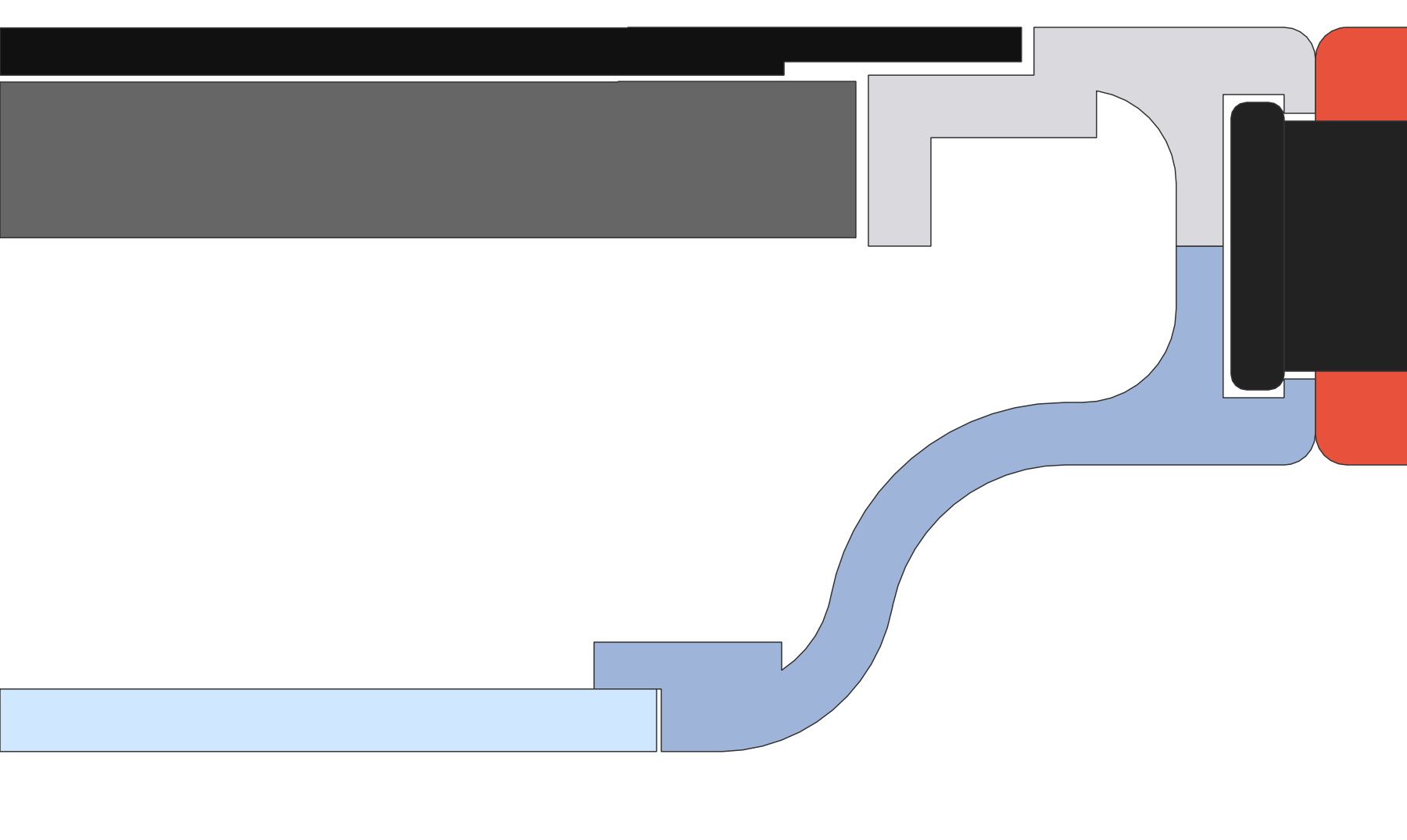
When it comes to the dimensions of the display, the display itself comes with some helpful specs because this is a real display you can buy on Amazon. Actually, all of these components that you see are real components, from batteries to the USB-C port to the power switch to the small speakers.

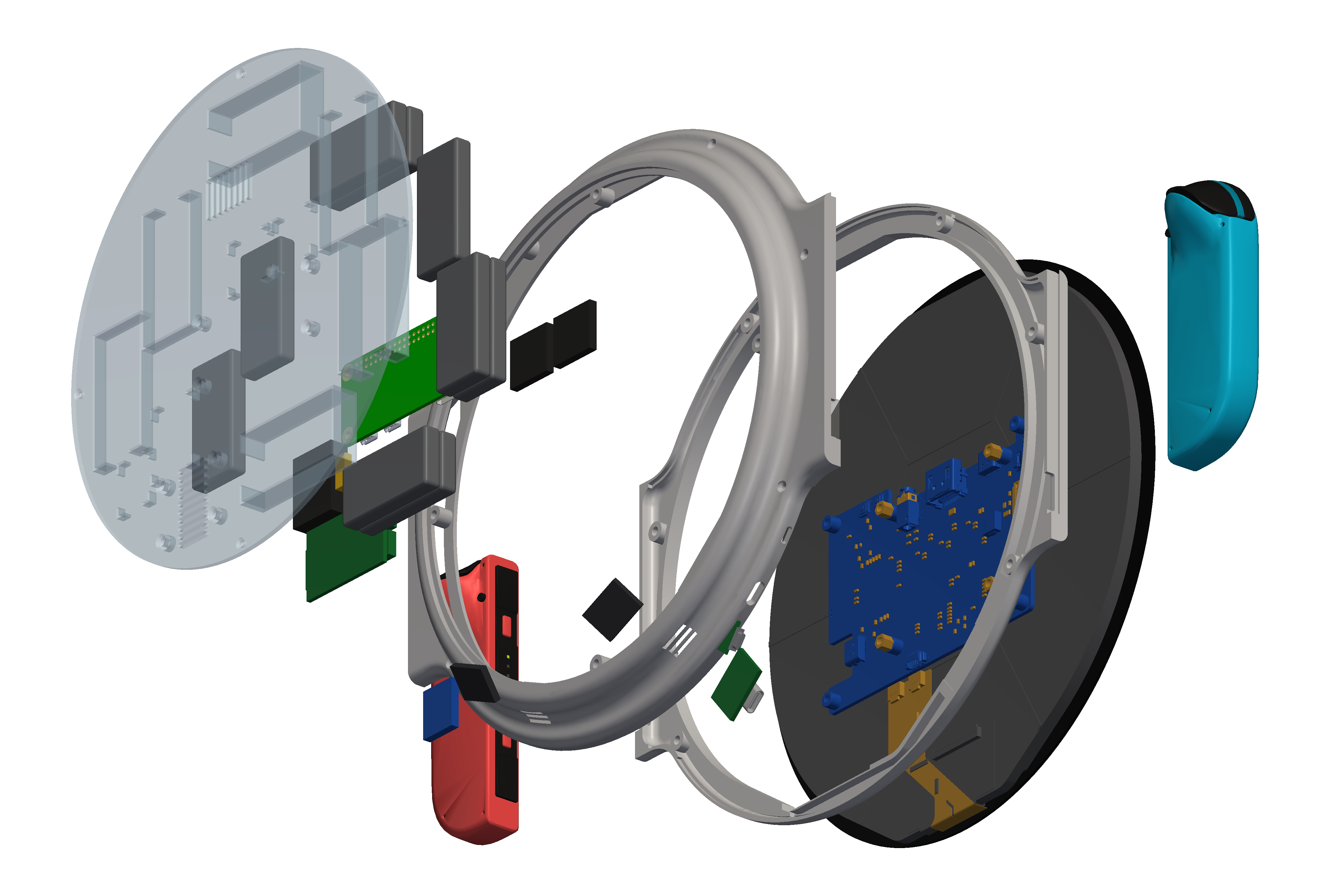
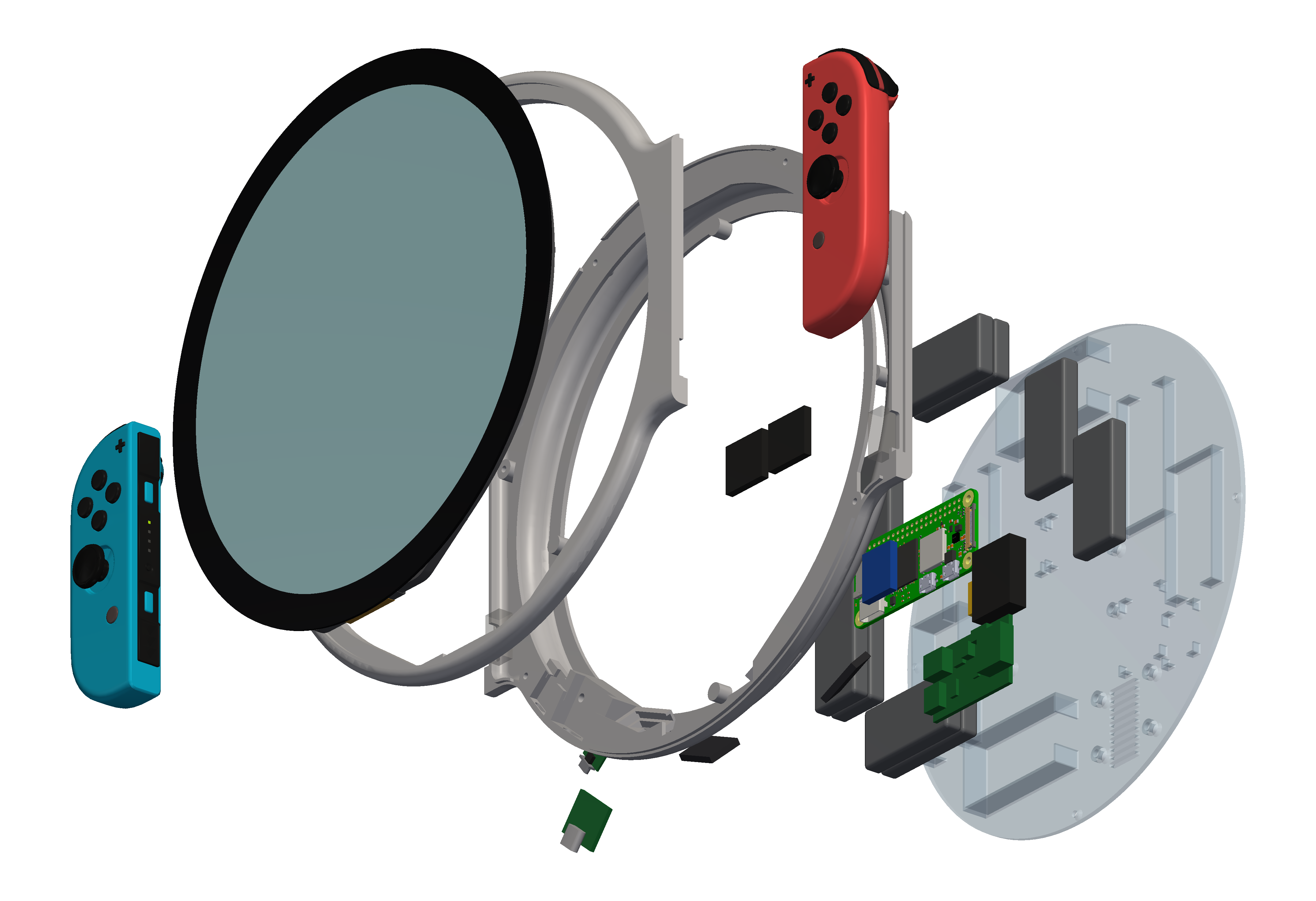
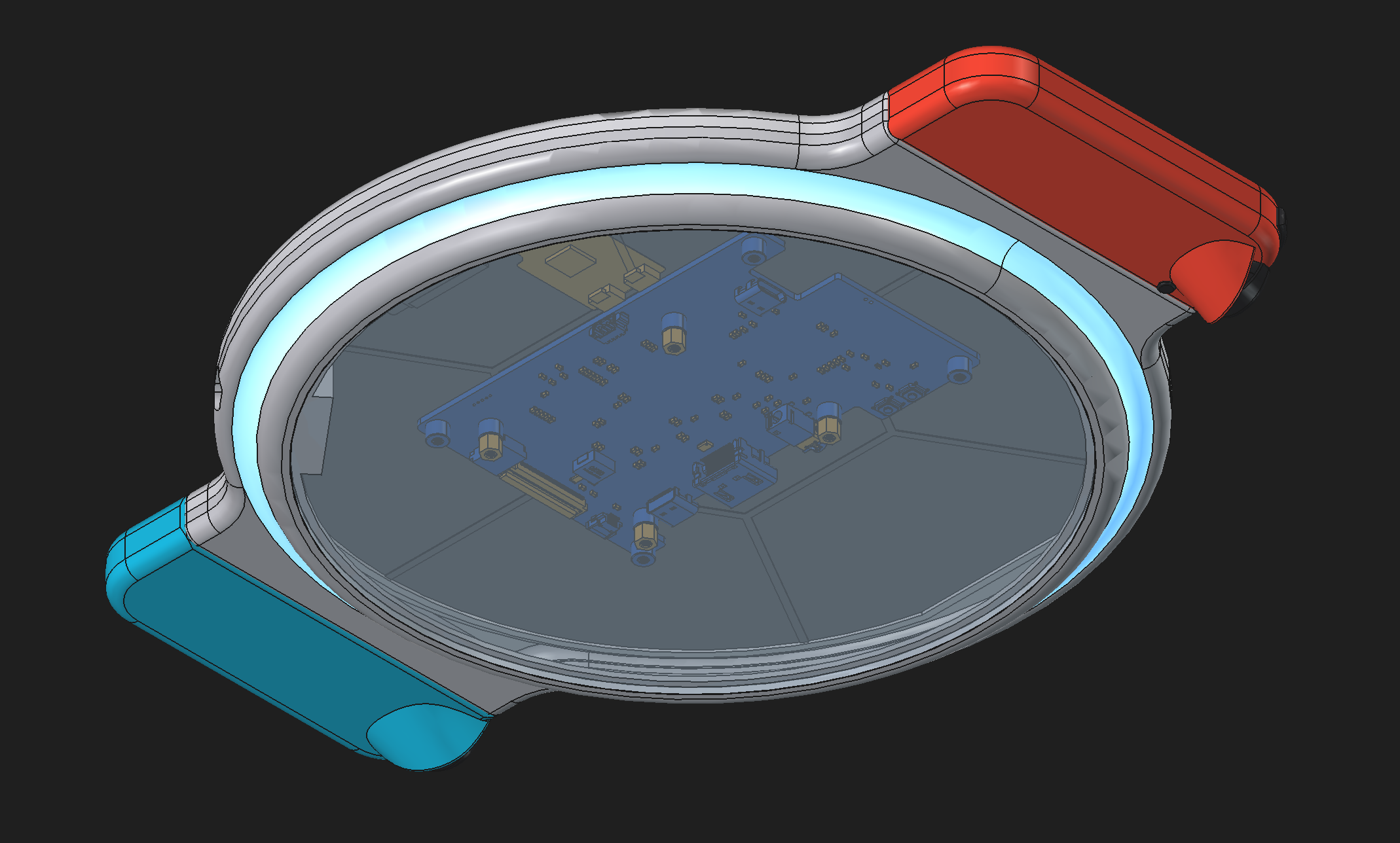
Components
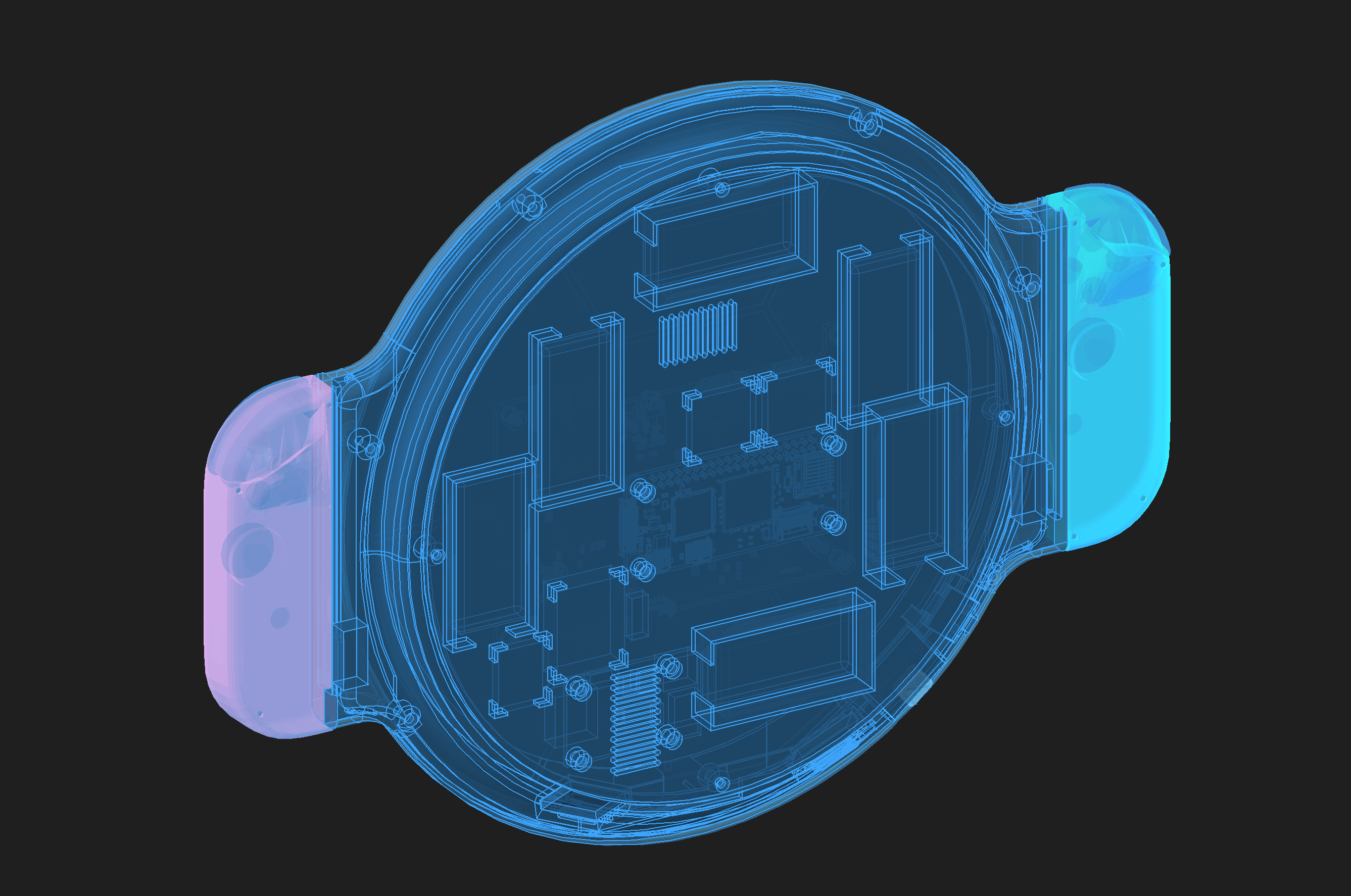
Up until this point of the design, I’d sort of been waving away the power requirements, but you do actually need to fit a fair number of batteries in this thing in order to get the amperage you need for using this thing for any significant amount of time. Because even though the Raspberry Pi zero is very low power, the display is very much not. This is a display that was kind of intended to be an HDMI compatible display for plugging into small wall mounted things, not necessarily something that is low power drawing off of small LiPo batteries.
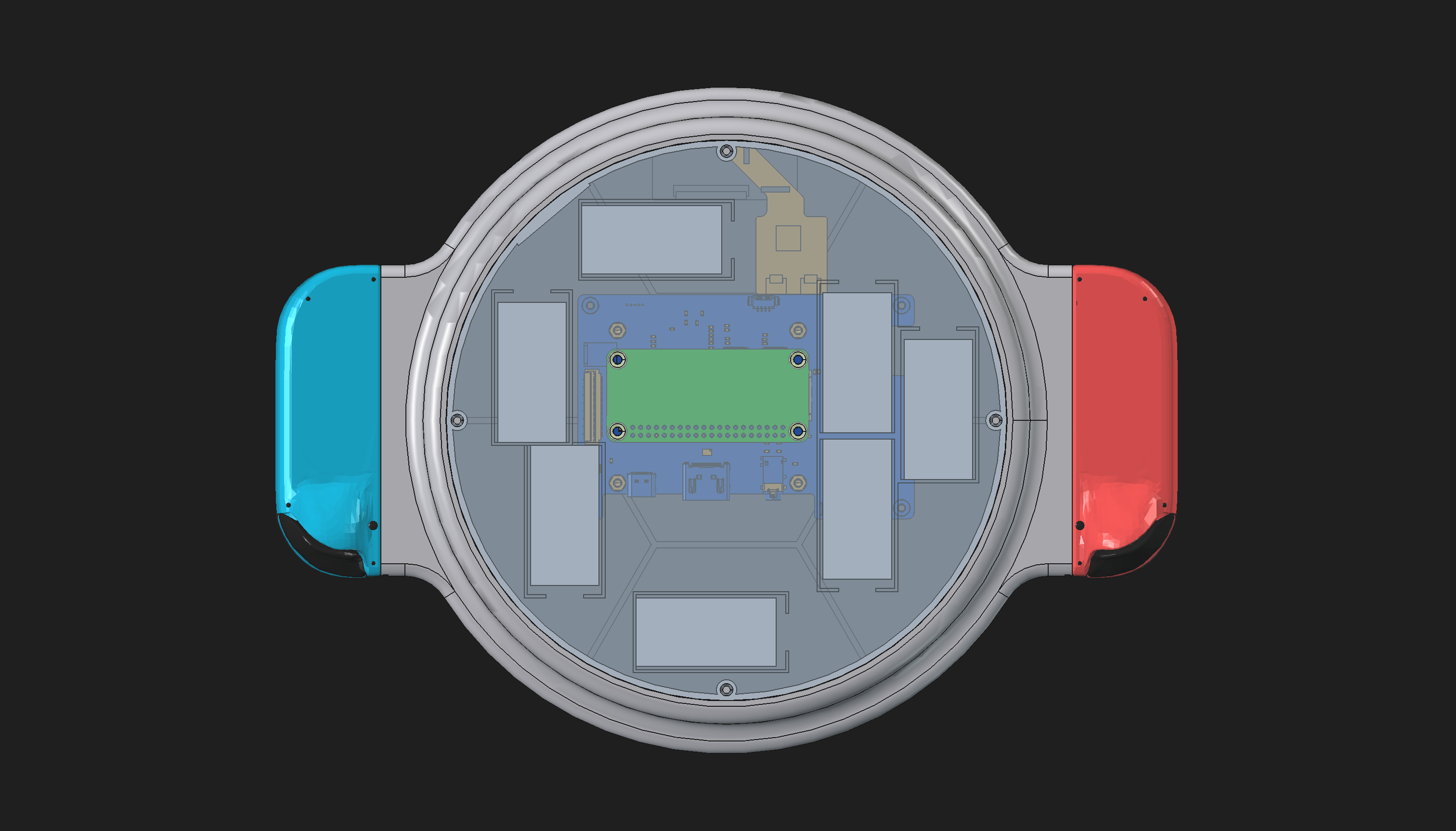
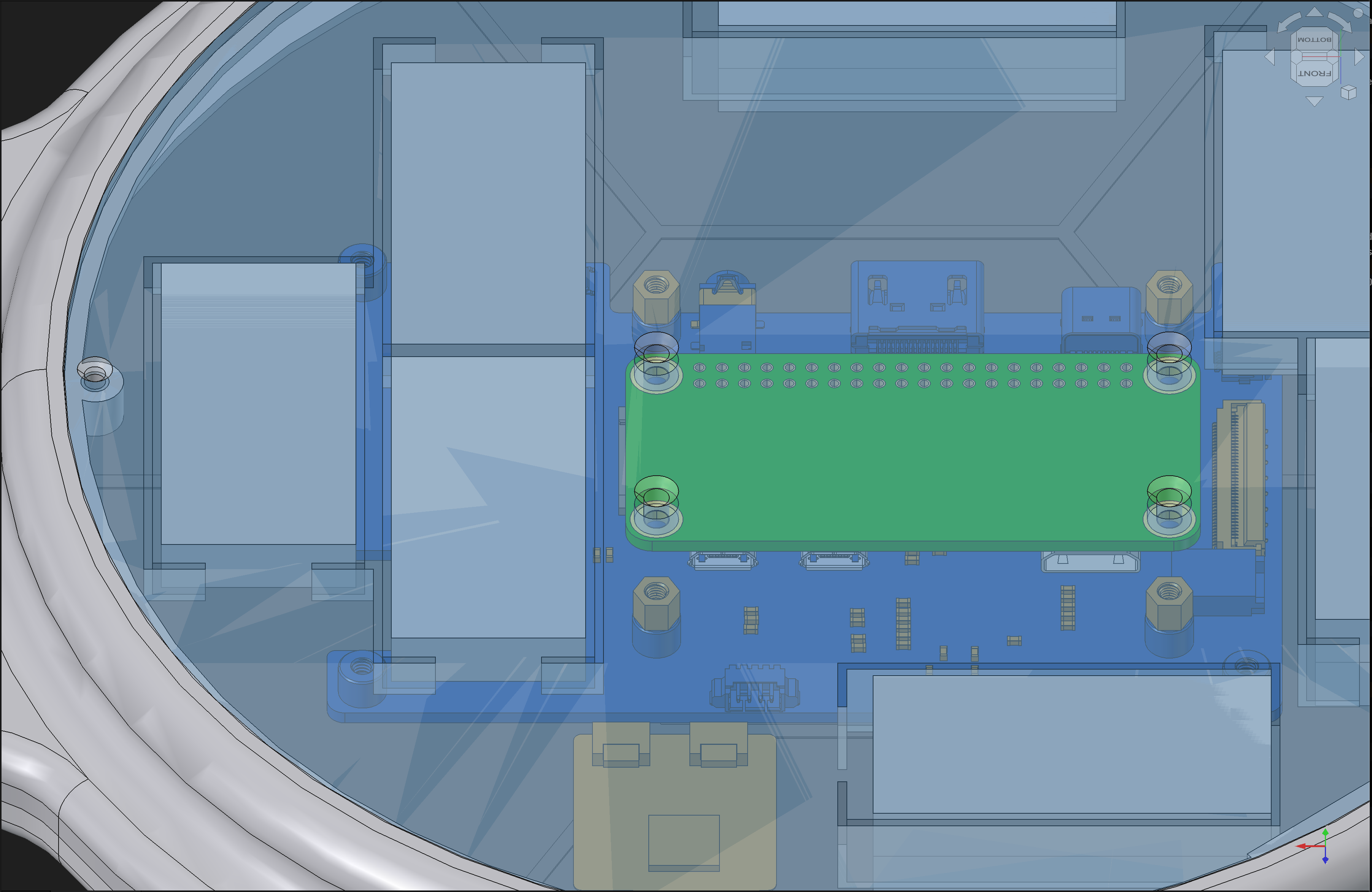
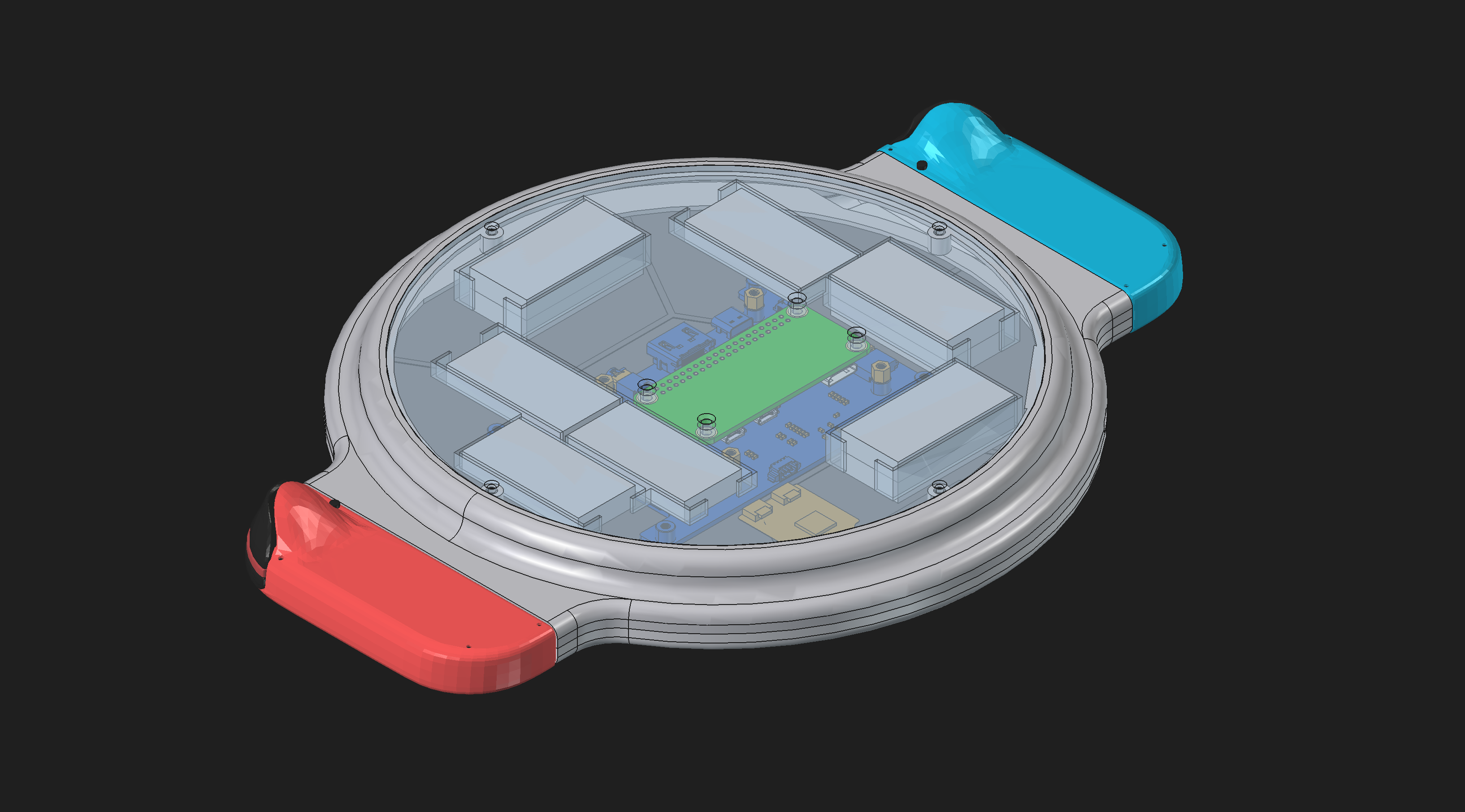
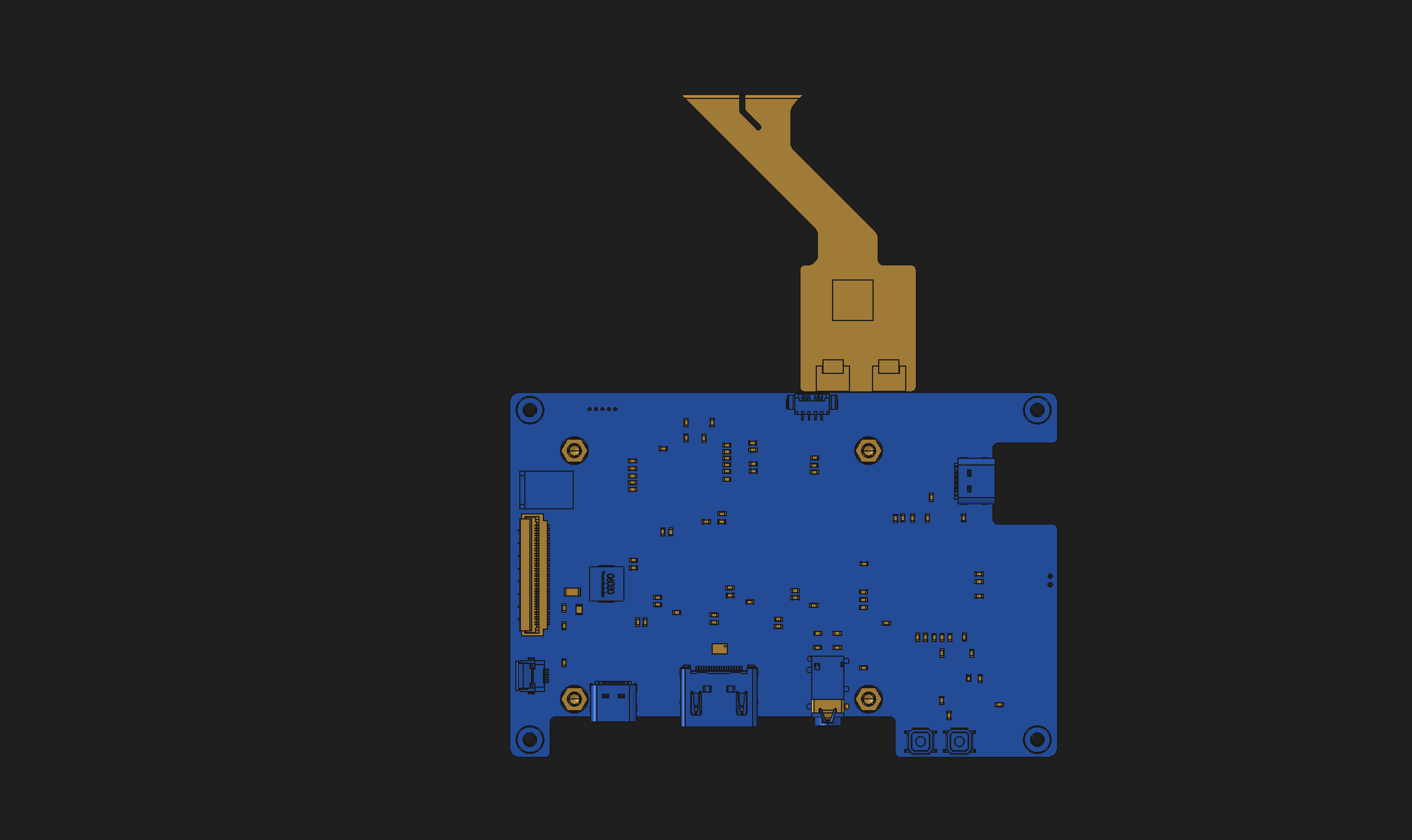
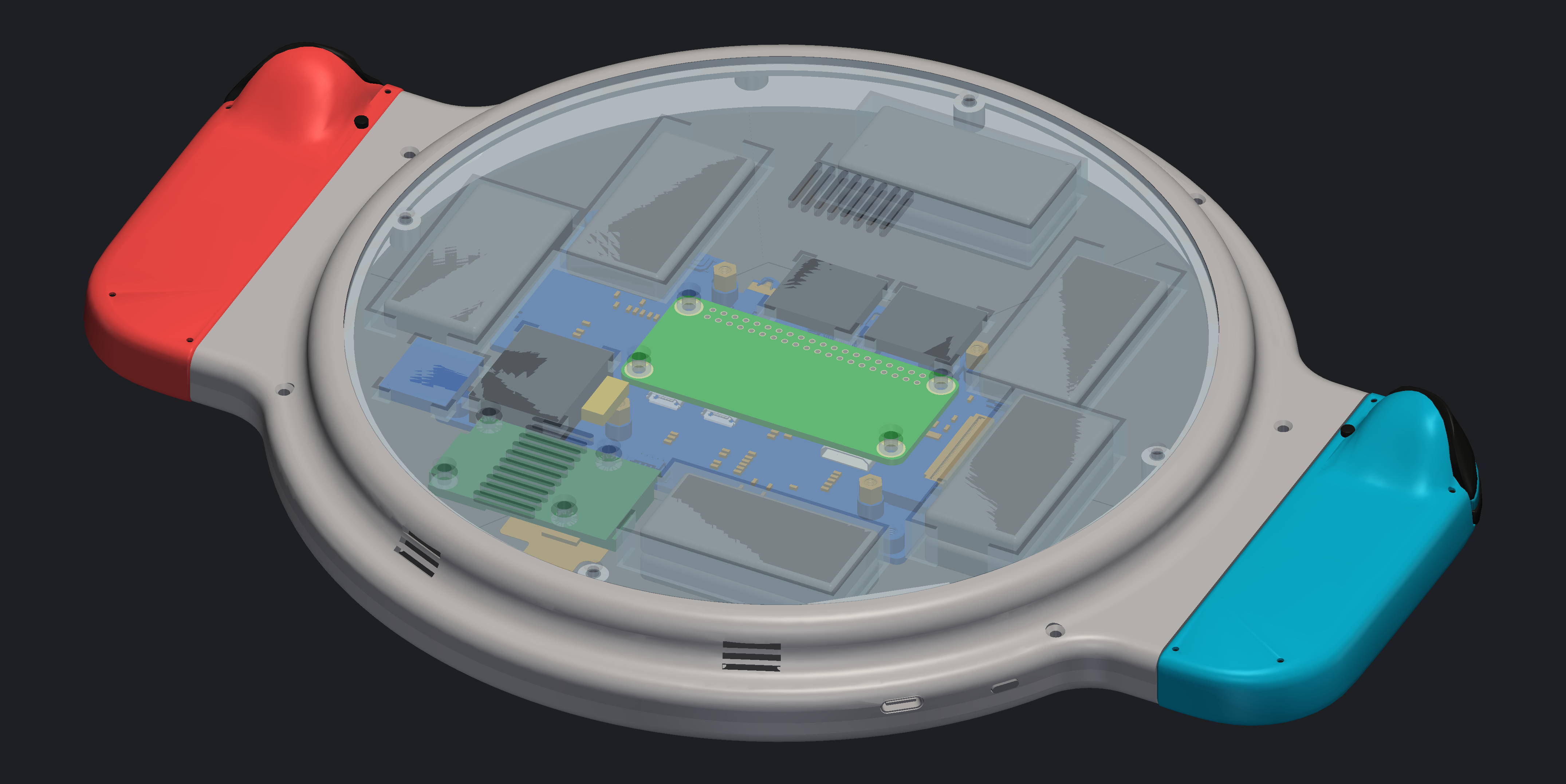
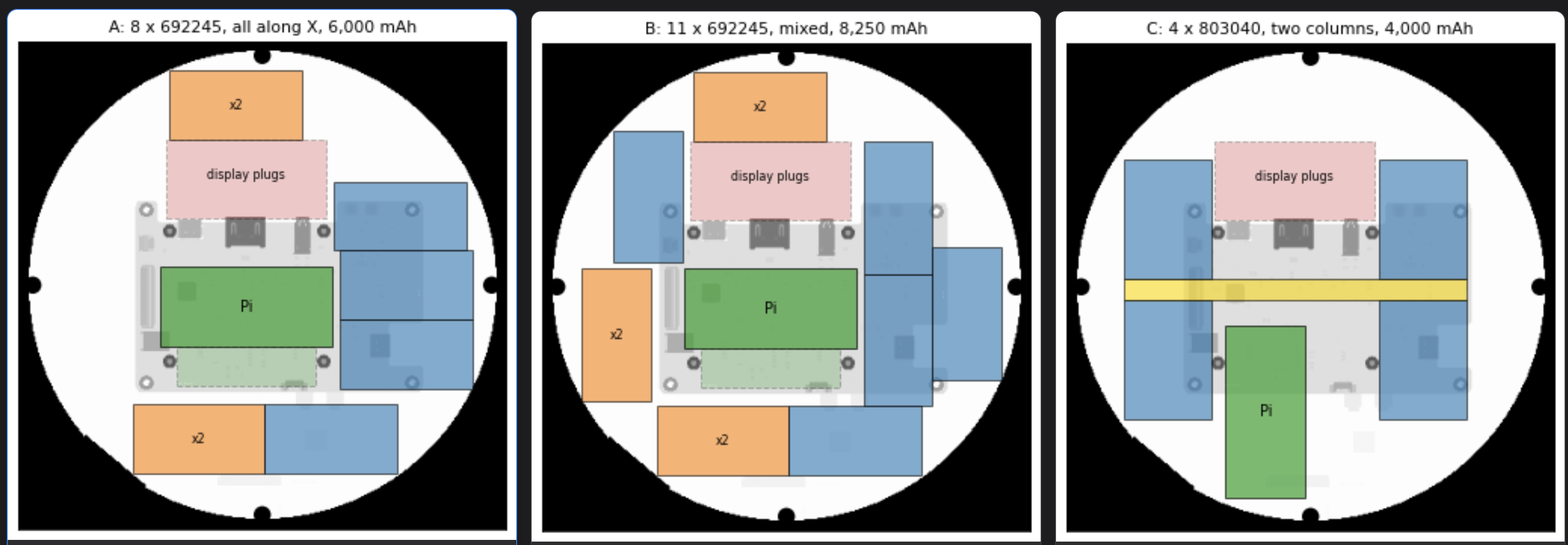
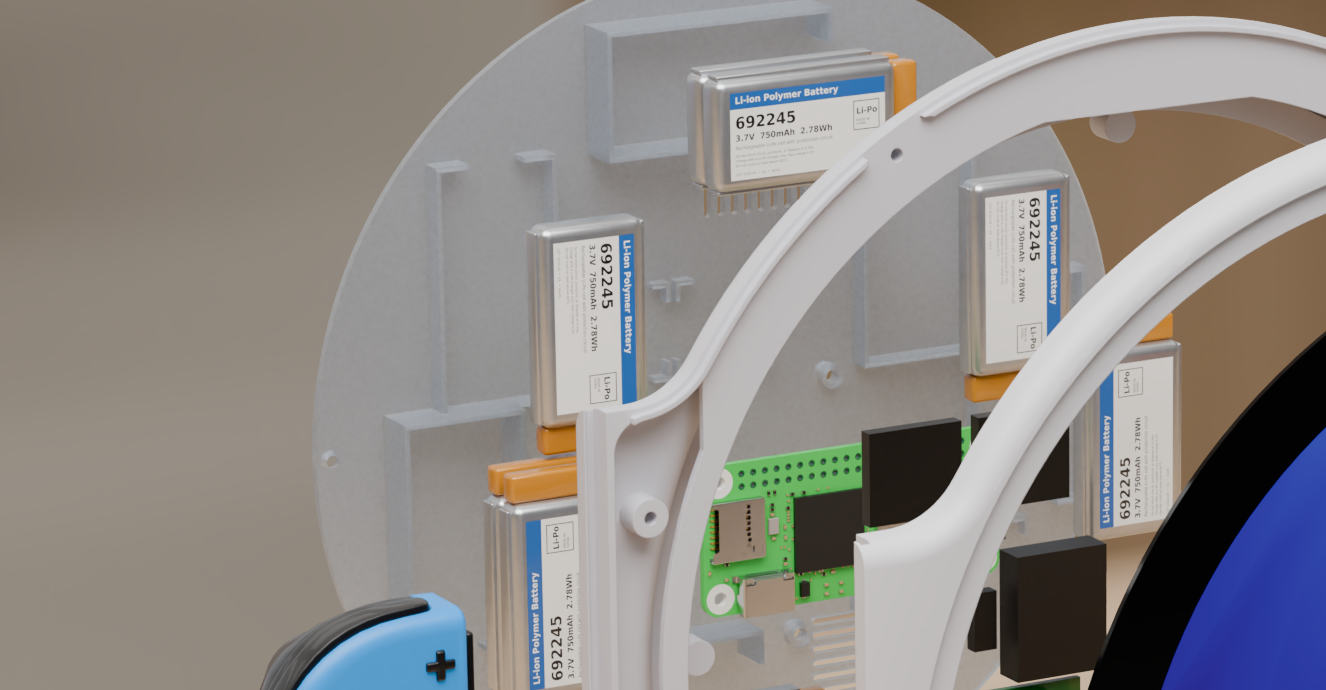
This is one of those things where this looks like it would be an easy thing to give to a bin packing optimization algorithm or something like that, but you can just as easily sort of eyeball it and draw out a couple of placements knowing that you can stack pretty slim batteries on top of each other and get a pretty good design where you’re using the space fairly efficiently. But then again, this is also something where I’m going to be buying like thirty dollars in batteries and they’re all really small, so packing a bunch of batteries in there isn’t that expensive and is the easiest way to think about this rather than trying to do a single large slab battery somewhere in here like the switch does.
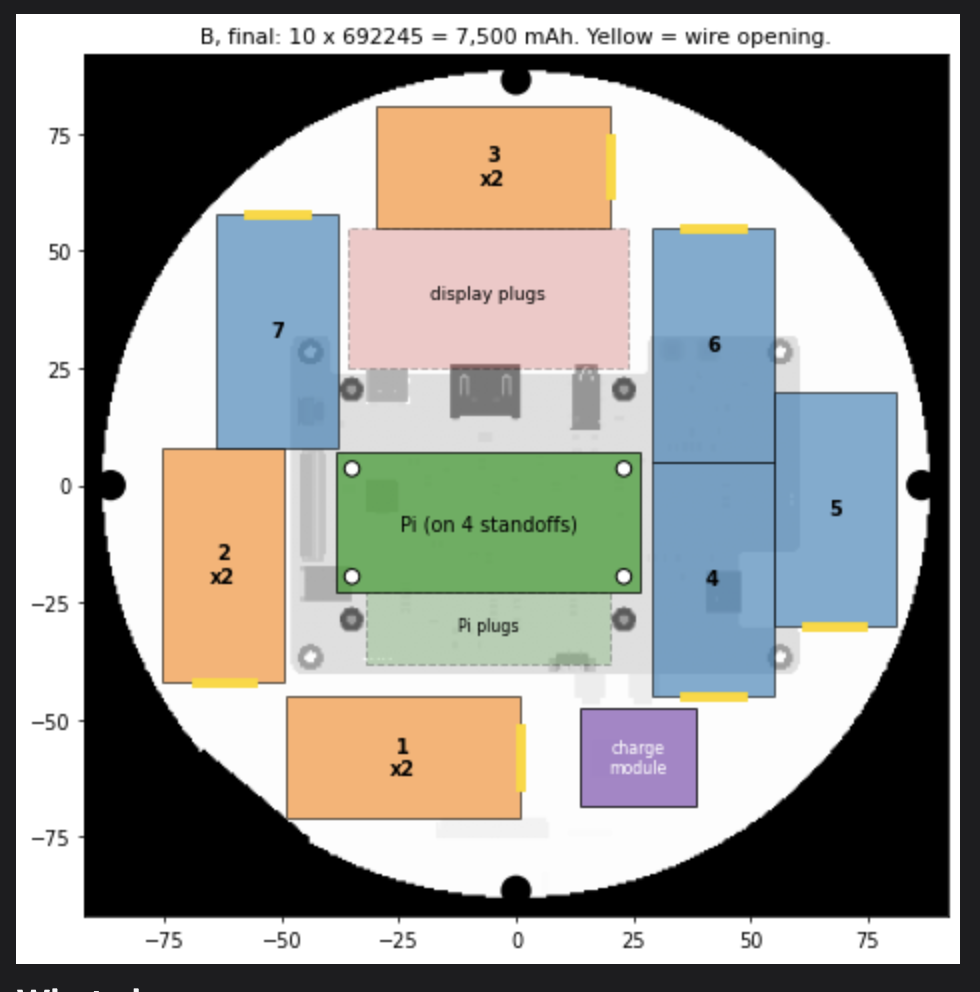
The final layout with my batteries.
At one point inside FreeCAD I tried to do wires wiring this thing up just so I could see how it looks. But FreeCAD isn’t really intended for that. So you just get these sort of like little pipes that are going between the components and it’s not actually that helpful because it’s fairly obvious what connects to what. Like you sort of link all these batteries together and plug them into the power source and then the power source goes to the raspberry pi and so on and so forth. It’s not a terrifically complex component design.
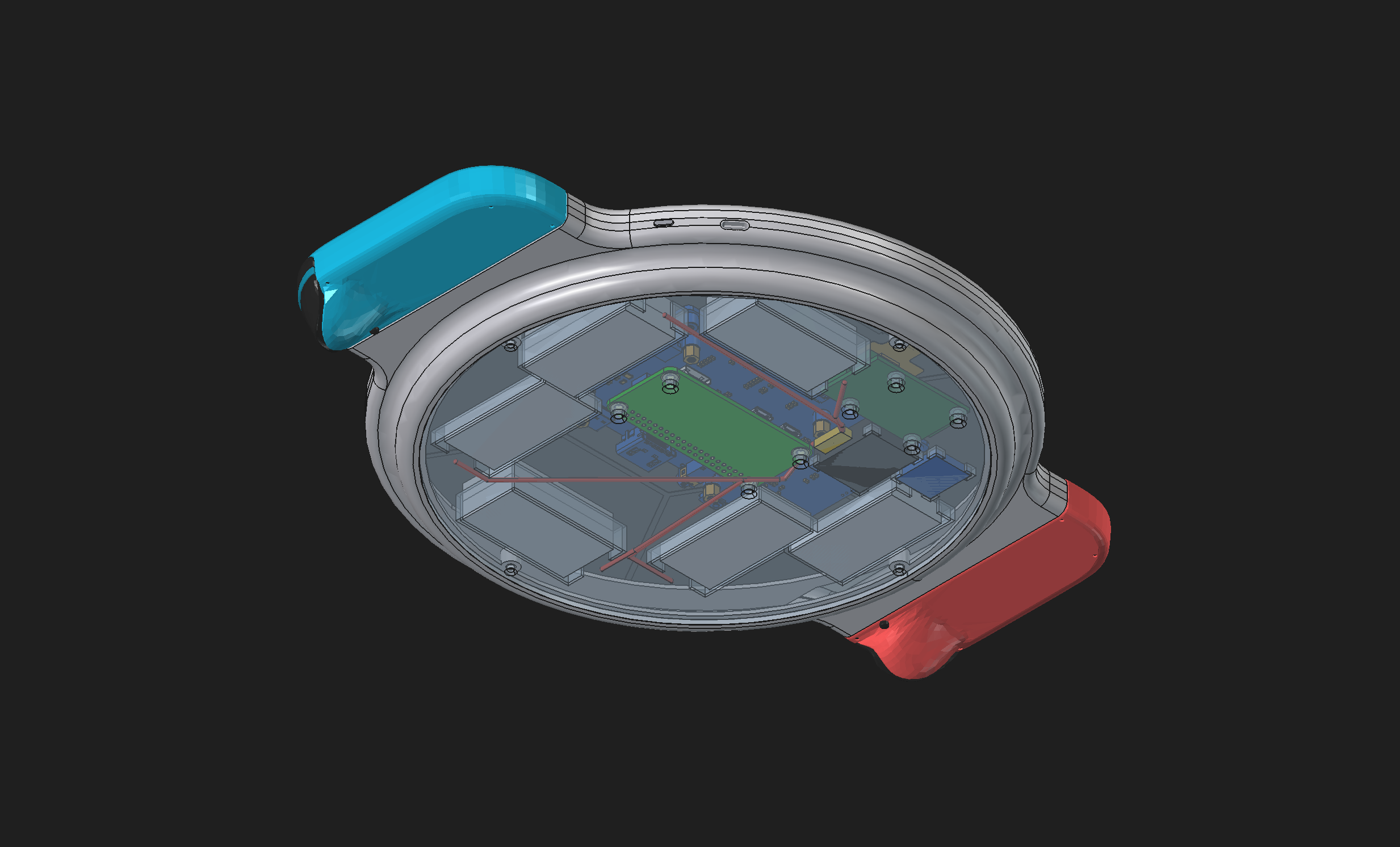
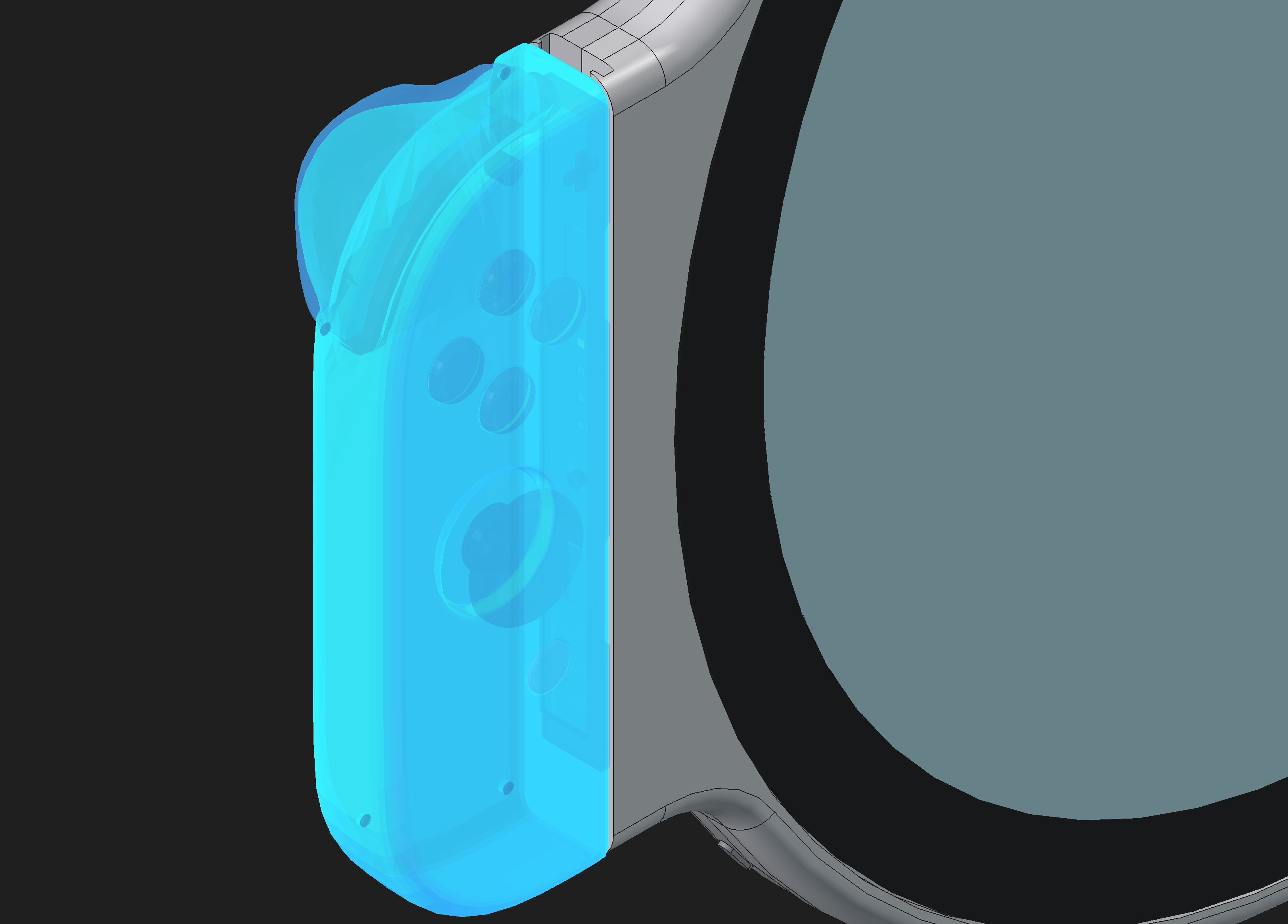
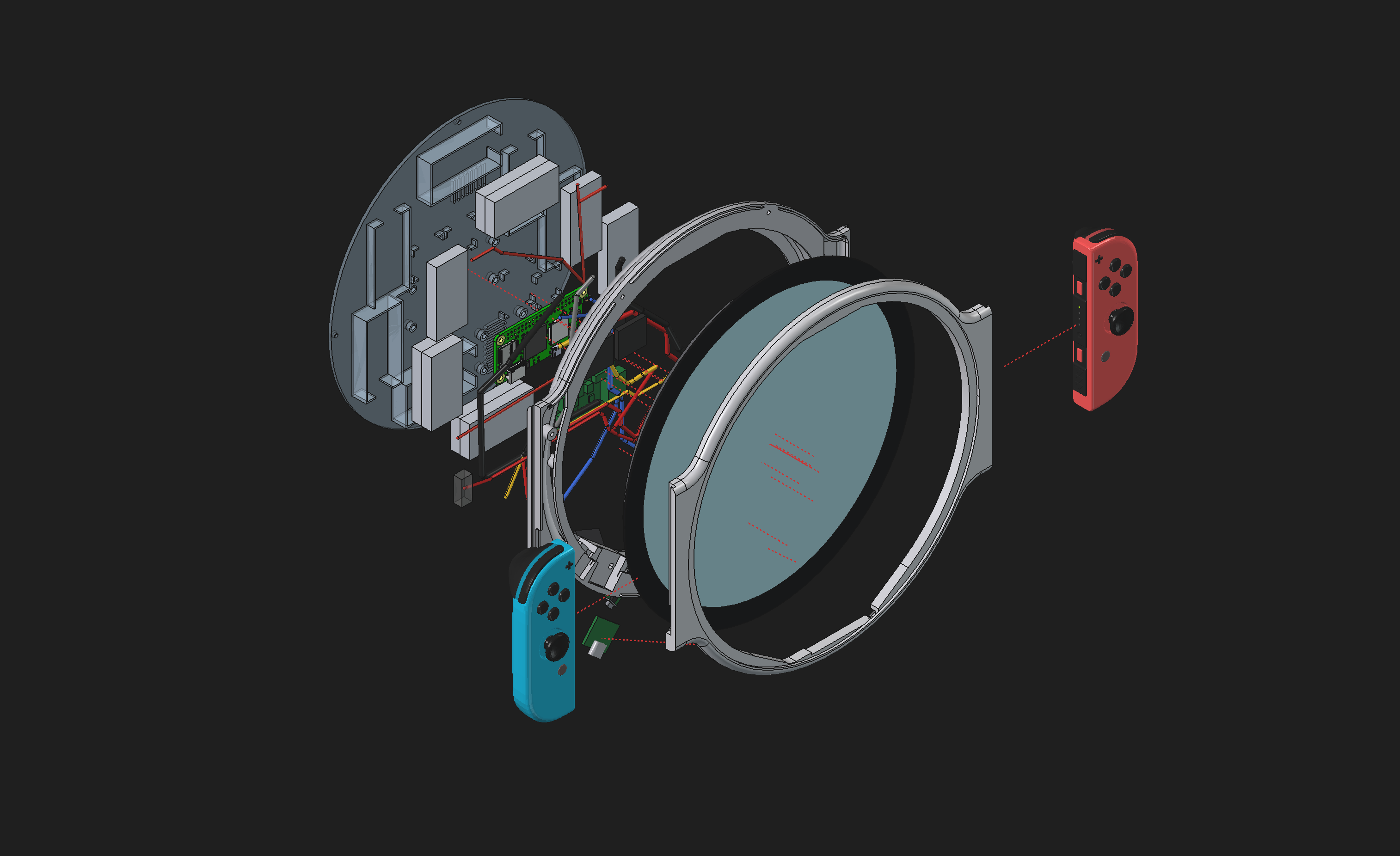
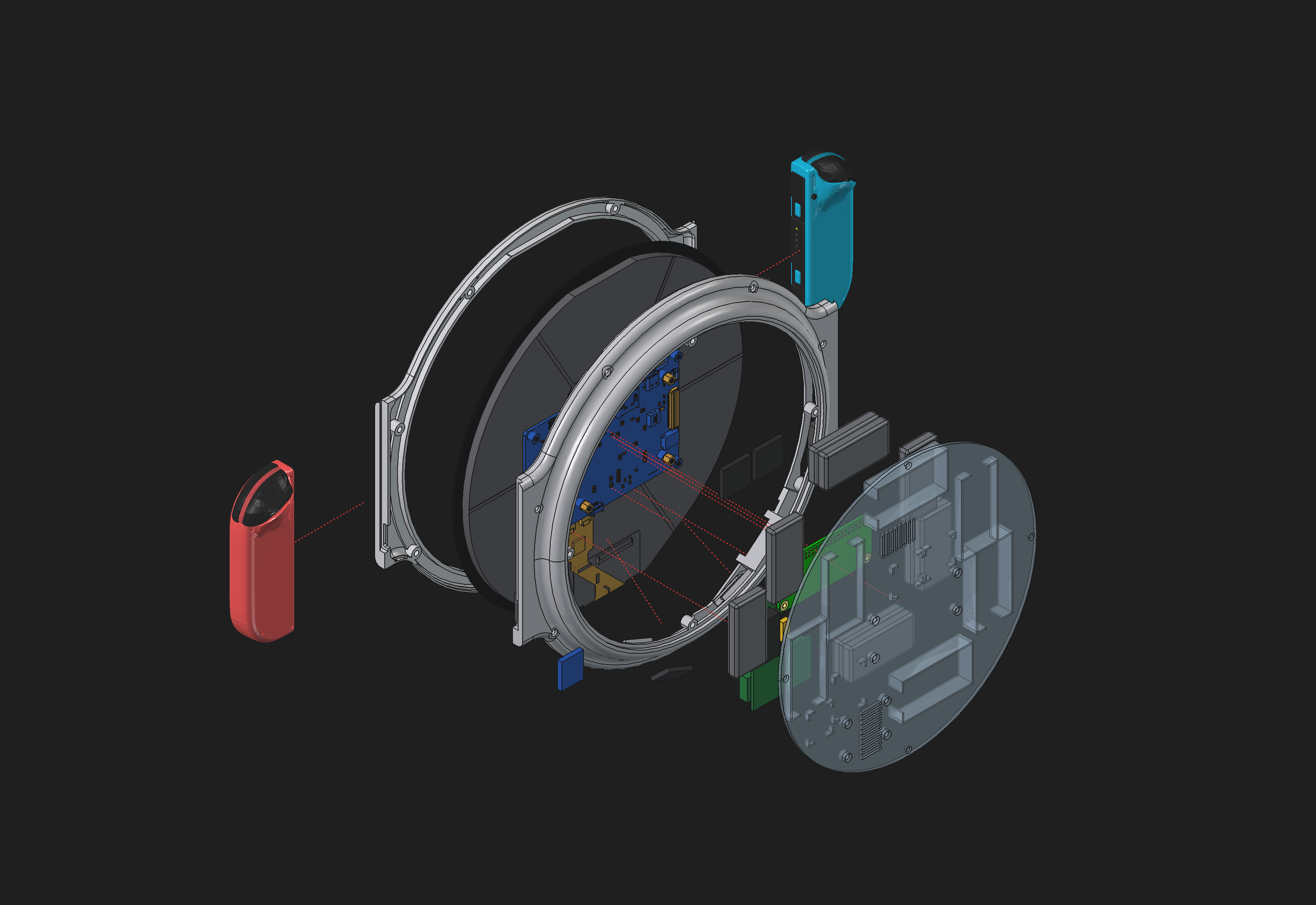
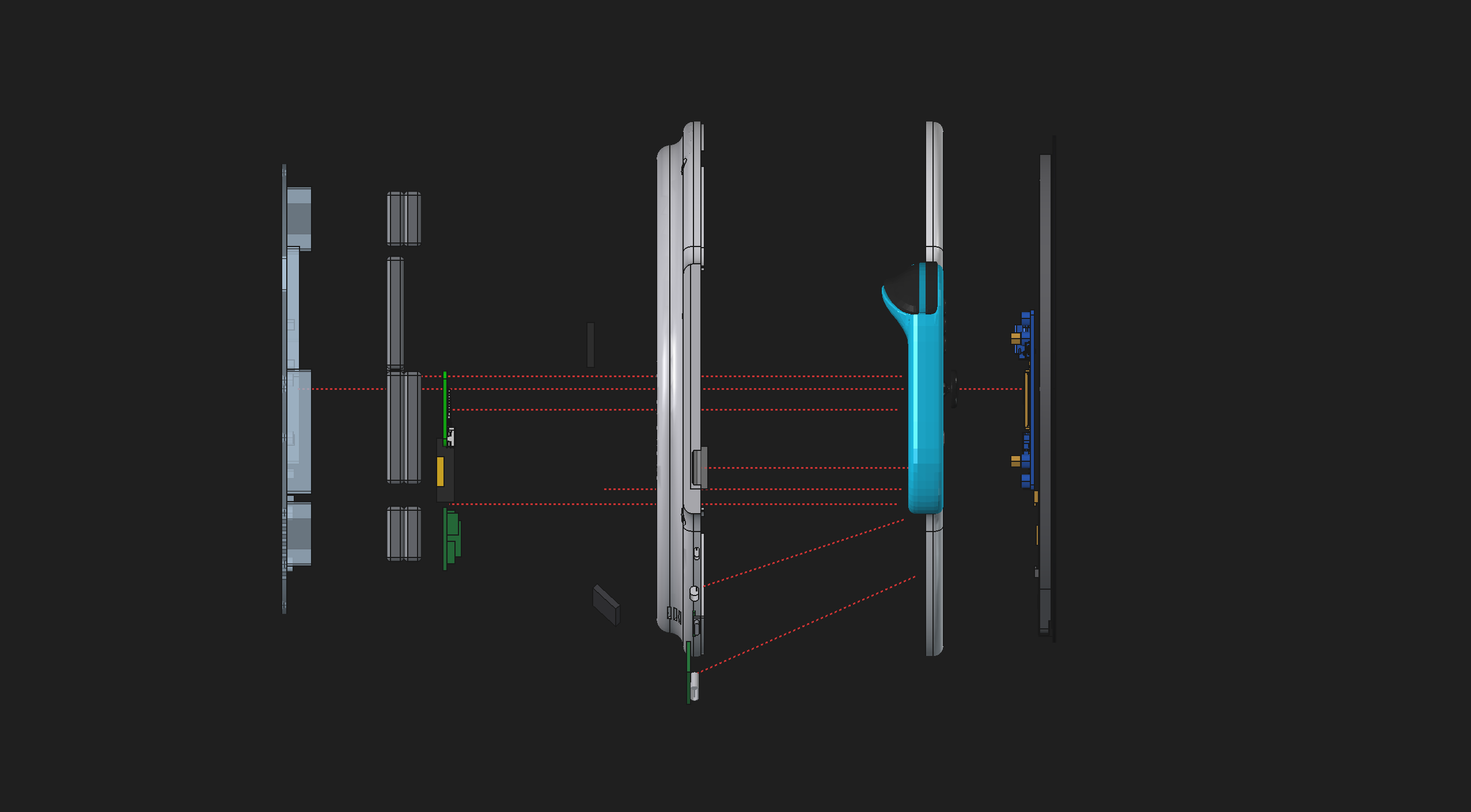
You’ll notice that the JoyCons themselves aren’t actually wired up. This is because JoyCons communicate over Bluetooth (in addition to a wired connection when they’re on the actual switch.) And there have been a number of successful reverse engineering attempts on the JoyCon Bluetooth protocol. So getting BT working with any potential operating system would be almost certainly easier than trying to buy third party JoyCon slide locks and wire them.
Blender Rendering
Based upon the FreeCAD files and dimensions and our scripting on that, transferring to blender isn’t that hard. You’re basically just transforming all of these points into a mesh and then slapping a bunch of textures on it. Actually, it’s a little bit more complicated than that, but also kind of boring for me to describe here.
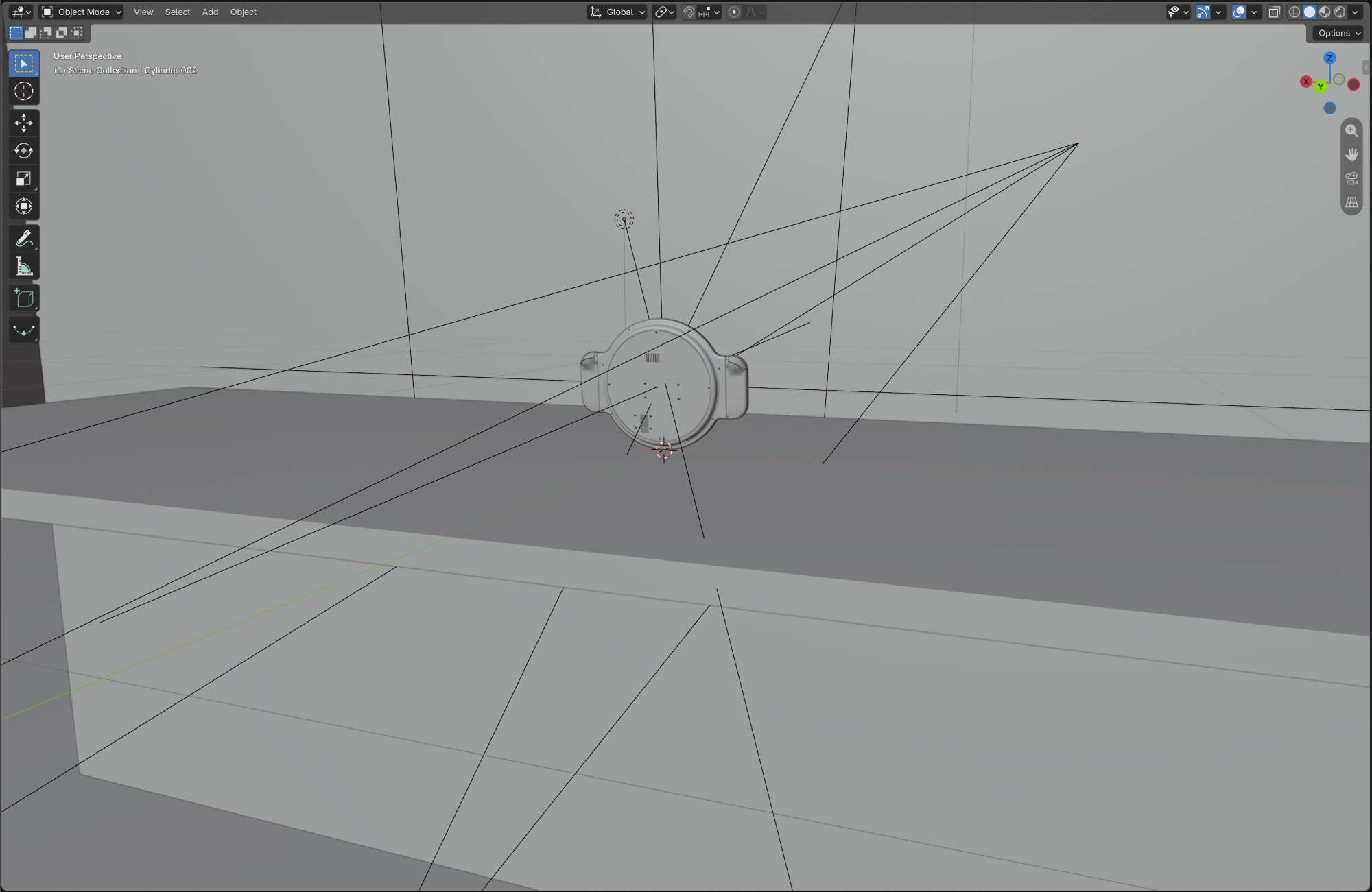
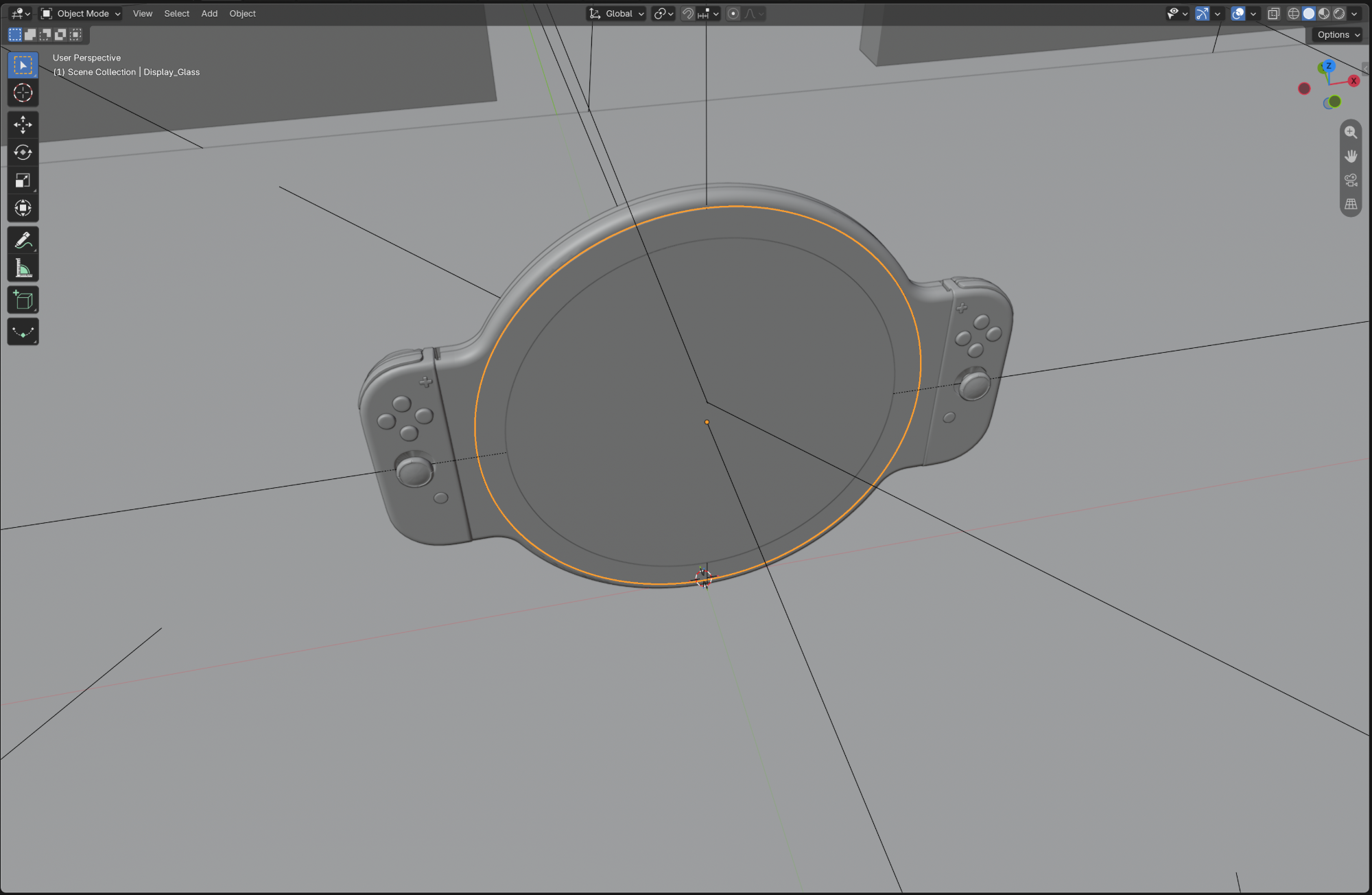
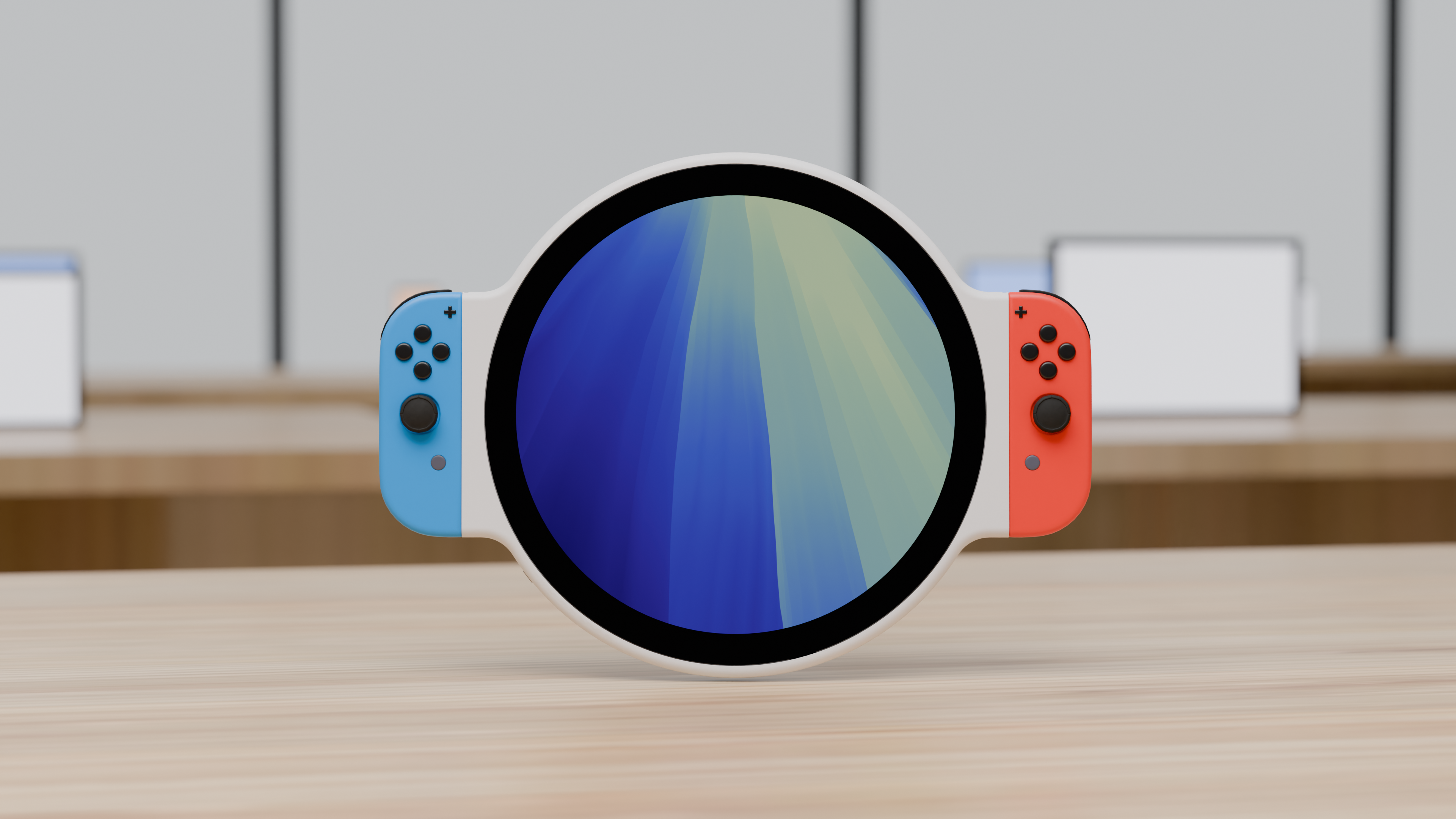
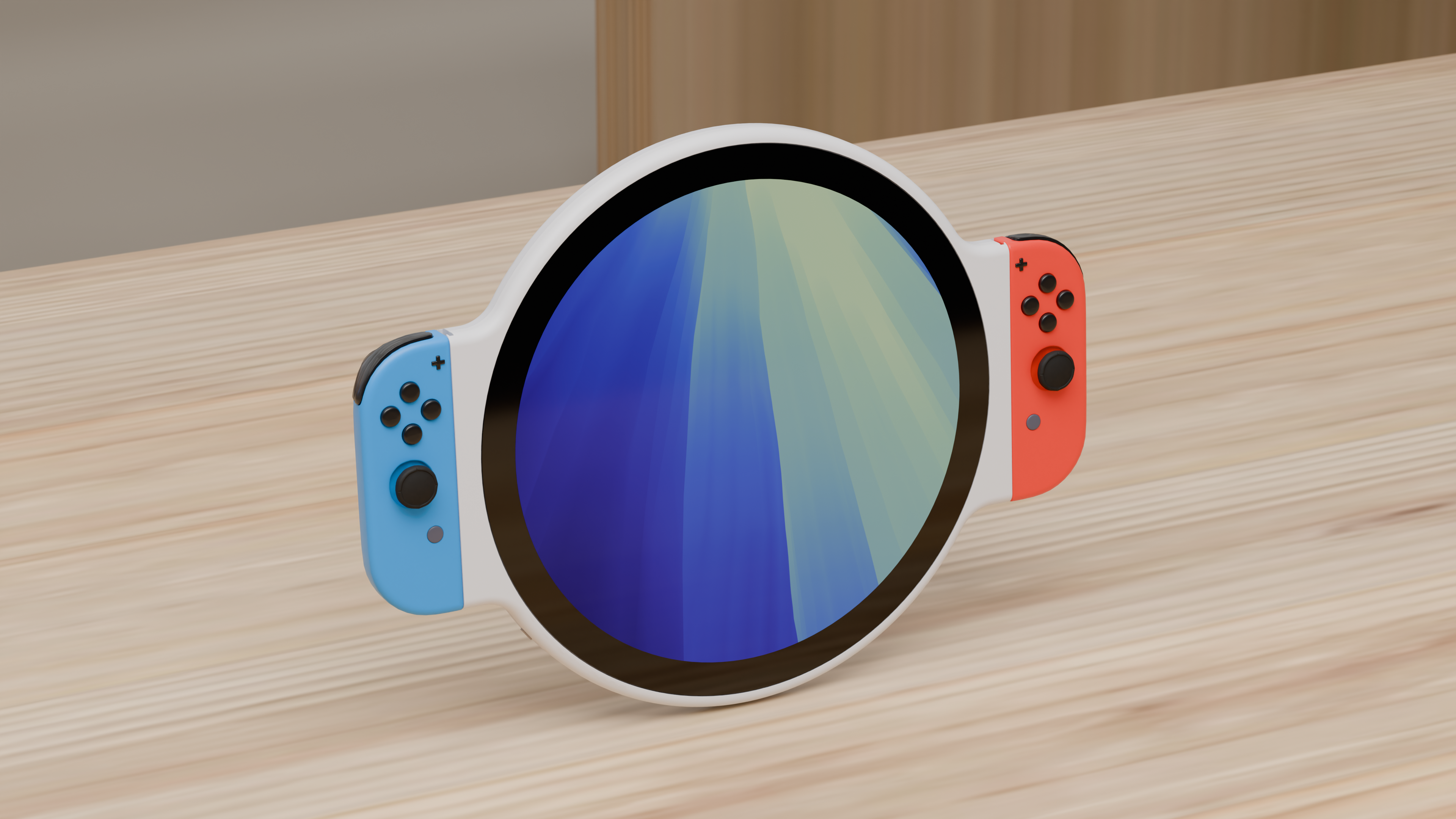
Lighting and scenery were the hardest parts. Because if you include too many lights in the wrong locations, you get a weird glare off the screen that looks way too synthetic. But at the same time, if you don’t include enough lights and enough variation, then you just get a screen that’s sort of washed out and doesn’t look like it’s real but in a different way.
Then when it comes to scenery, if you just sort of put it in this floating, nebulous white space, it doesn’t look good because it’s not textured realistically, and there’s not enough imperfections in the device’s housing and surfaces to make it look real in an un-real space.
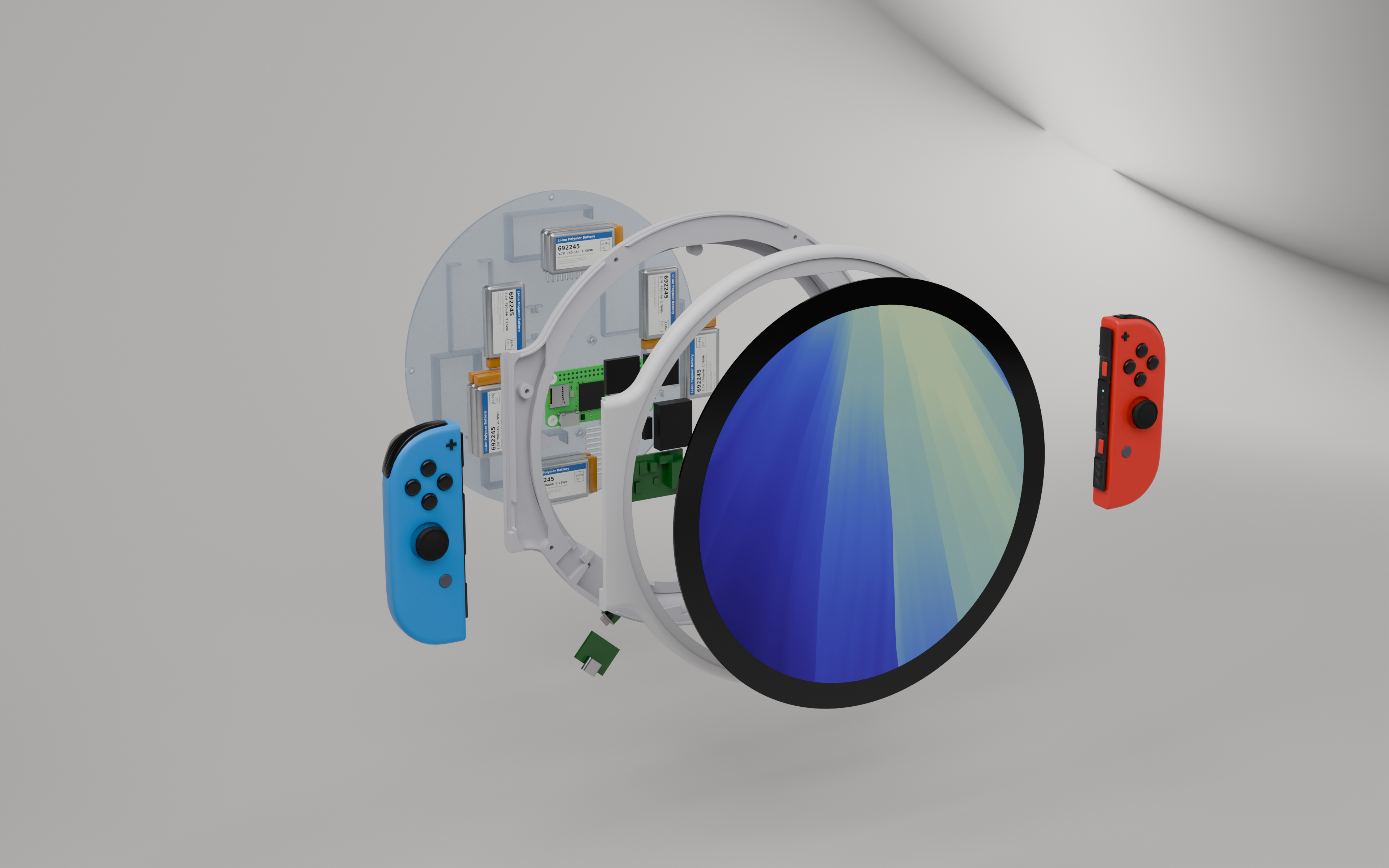
This is where using generative AI is actually fairly helpful because I can give it a bunch of images of an Apple store and it can reconstruct the lighting of that location and reconstruct the scenery convincingly enough that when it’s out of focus, and, you know, looks like a real place. The images that I gave it were of the tables and devices themselves at an Apple store, but also the overhead lighting and where light comes from. And generative AI can sort of look at an image and say, okay, here’s where the lights are, here’s the other light sources, here’s how we should angle this to make it look realistic. Then it can synthesize that realistic lighting with our blank white space lighting to create something that is at least as realistic as the device itself without going too far into highly professional rendering techniques.
Still have no idea if I’m gonna actually build this thing.